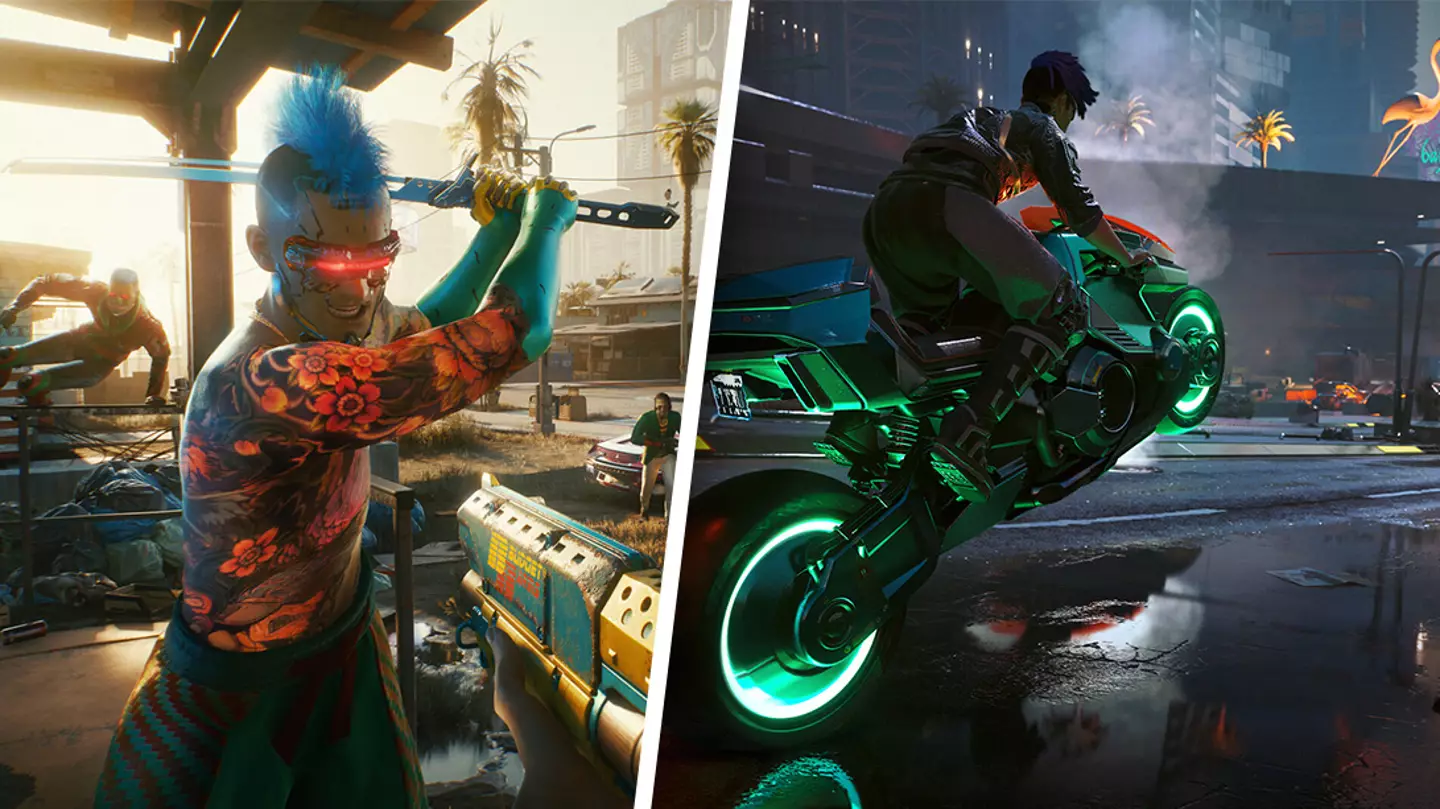
Cyberpunk 2077has come a long way in recent years, so you may find yourself returning to the title to give it one more go - something I’m certain you won’t regret.
It wasn’t an overnight transformation.
Naturally, devs spent the months following release ironing out as many bugs as possible before the new-gen patch launched a little over a year on.
Advert
Advert
This was the starting point ofCyberpunk 2077’s upwards trajectory.
In late 2023, Update 2.0 then landed ahead of the release of thePhantom LibertyDLC with several other updates rolling out between then and now.
I can’t delve into every update because there have simply been too many with every facet ofCyberpunk 2077being overhauled, from graphics to skill trees.
In the game’s most recent update, which landed just last month, devs introduced a wide array of customisation options allowing players to tweak V, their in-game cars, and captures taken via Photo Mode like never before.
Advert
Advert
But I digress. Let’s hop back to those of you who are considering giving the game a whirl soon.
If you’re playing onPC, there’s a setting I recommend you change in order to giveCyberpunk 2077a major graphics boost.
Take a look atCyberpunk 2077in action on PC below.
As I said, you’ll have to be playing on PC as this concerns NVIDIA’S DLSS 3.5, and you’ll need to be running the game using a NVIDIA RTX graphics card, but if you tick those boxes then allow me to enlighten you about how to make the most out of the DLSS features.
Advert
Advert
From here, select ‘settings’ and then navigate across to ‘graphics’.
After this, go down to ‘DLSS Ray Reconstruction’ and toggle it from off to on. You need to do it in that order as Ray Reconstruction will not work without the Super Resolution on.
Advert
Advert
It’s that simple. You should then end up with crisp, detailed graphics.
Topics:Cyberpunk 2077,CD Projekt Red,PC
