I once purchased a game capture device called theRoxio HDto use on my PlayStation 3 and Xbox 360. It served its purpose, if not on a basic level. However, it wasn’t always the most reliable device in terms of capture quality with 720p often being the safest choice to get consistent performance. It was also quite slow from what I remember when it came to storing footage on my laptop. For around £100 at the time, it was fine, but nothing compared to high-end capture cards on PCs of today.
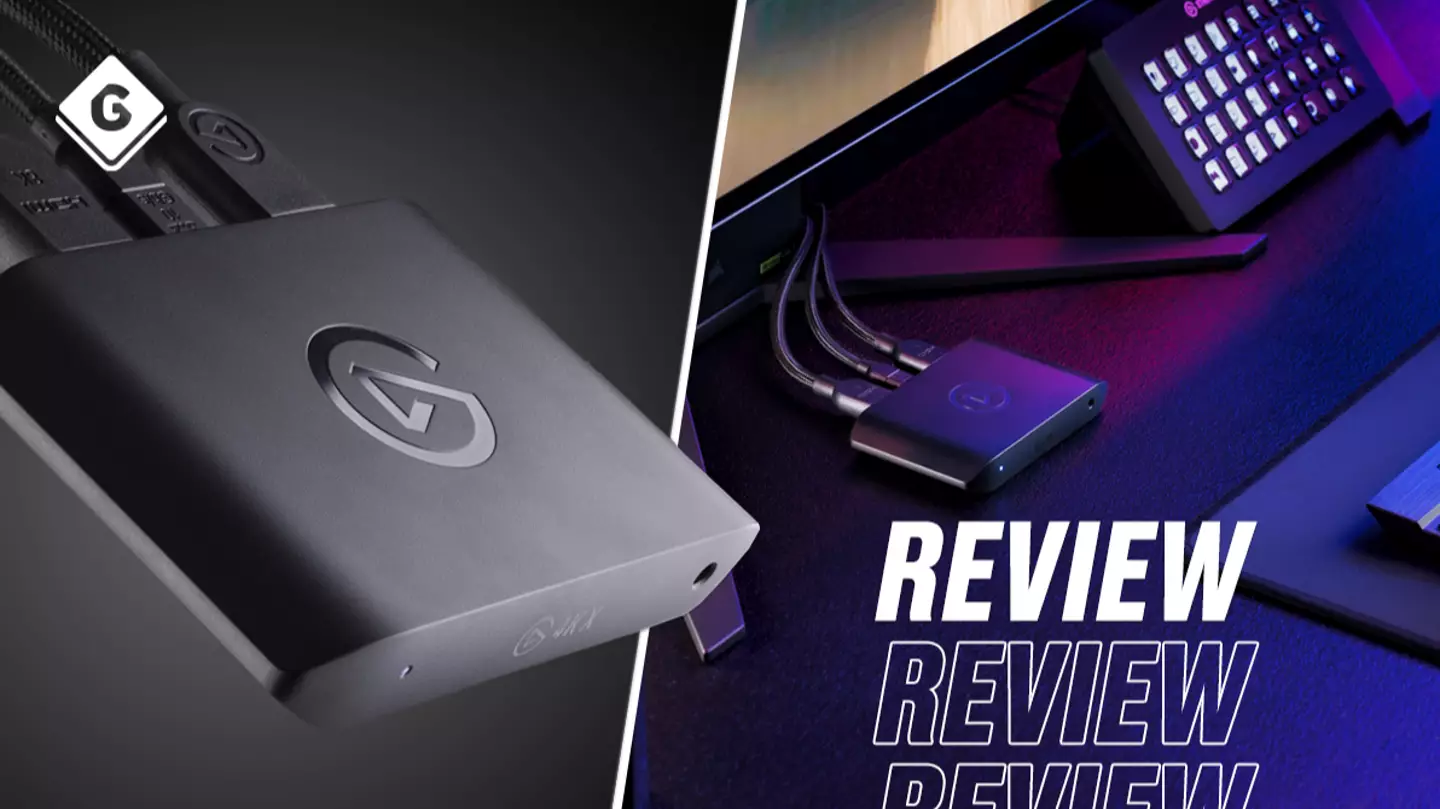
Thankfully, over a decade has passed andtechnologyhas come a long way not only with game capture hardware and software but also with gaming consoles andPCs. So naturally, using my oldRoxio HDtoday would not be the ideal choice. Enter the externalElgato 4K X Superspeed Game Capture.
Check out the Elgato 4K X trailer below!
TheElgato 4K Xis compatible with PC (including Steam Deck), ROG Ally,PlayStation,XboxandNintendo Switchas well as Android and iOS devices. It’s also compatible with Windows and Mac operating systems. It has a wide range of game capture quality options from 4K at 144 frames per second, VRR (Variable Refresh Rate) up to 144fps, HRR (High Frame Rate) up to 240fps and HDR10, and more. TheElgato 4K Xsupports HDMI 2.1 and USB 3.2 with Ultra-low latency passthrough to capture the best quality gameplay possible.
Advert
Advert
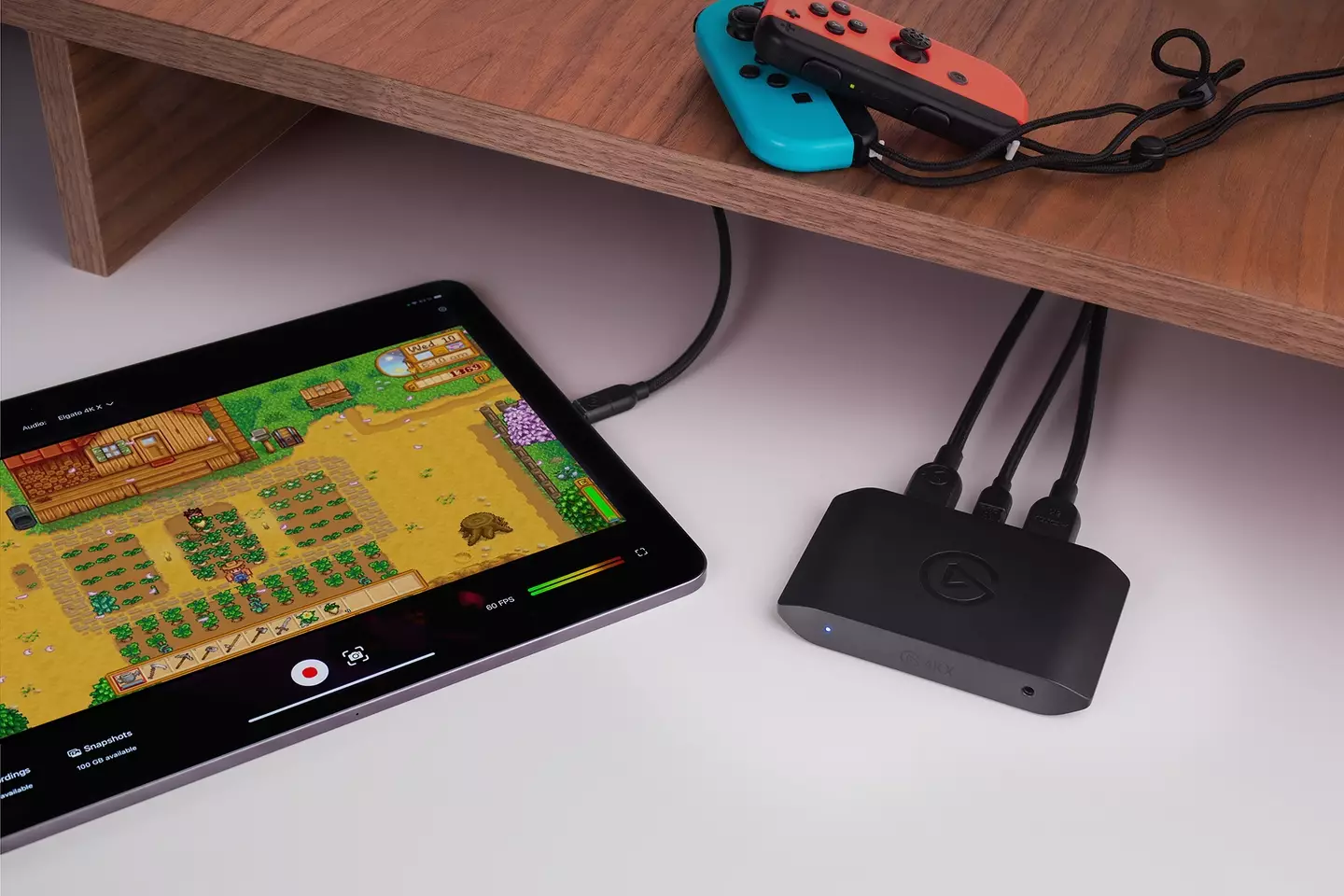
For the sake of my review and not to overstrain my laptop, I captured footage on myPlayStation 5,Xbox Series Xand Nintendo Switch at 1080p and 60fps with no issues. Elgato has labelled the4K Xas a “plug and play” device and that is very much the case. You simply plug the console HDMI into the ‘In’ port on theElgato 4K X, the TV into the HDMI out, and finally, the USB into your PC, laptop or compatible mobile device. It’s that simple.
As soon as all is connected, fire up the free Elgato 4K Utility desktop app or most other capture software of your choosing due to this device being a UVC card. The gameplay will automatically record (you can pause and stop it at any time) and all captured gameplay will be neatly saved in the library section of the desktop app. The videos will also be categorised in length, resolution, games and more. Easy Peasy.
Corsair Gaming
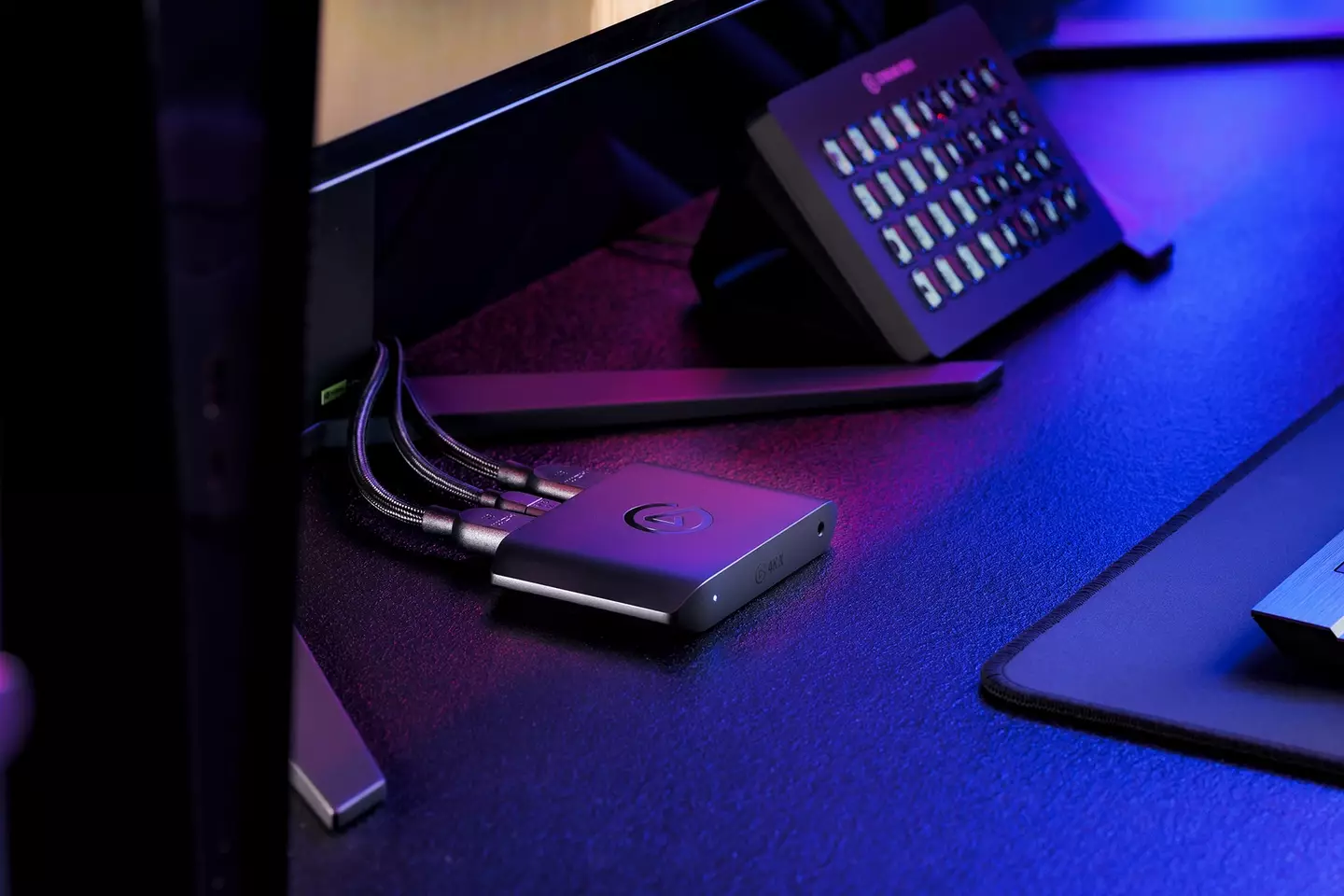
You also have the option to connect a mic or headset and record commentary from the get-go or you can add that at a later date. TheElgato 4K Xis also super accessible for content creators as it can not only stream from your PC and laptop, but it’s also compatible with the Elgato Stream Deck as well as a wide variety of streaming and social media apps.
Advert
Advert
There’s a feature called Flashback Recording and when enabled it allows you to rewind, fast forward or pause gameplay that is automatically recorded on your device. At first, when I saw that the capture was automatically recording I was worried because I hadn’t even started a game yet, as it was just recording my Xbox dashboard. But my initial worries were misplaced because once a game had started, all I had to do was move the slider back on Flashback Recording and select my new record starting point.
Corsair Gaming
Advert
Advert
TheElgato 4K Xdoes have an RRP of £229.99, which is a lot, but it’s so worth that value, especially if you’re into content creation. Put it this way, theRoxio HDthat I bought over a decade ago cost me around £100, which in terms of current inflation is roughly £140, and I can hand on heart so that theElgato 4K Xis easily twice the device than my oldRoxio HD. If you decide to pick up theElgato 4K X, you will not be disappointed.
Topics:Nintendo,Nintendo Switch,PC,PlayStation,PlayStation 4,PlayStation 5,Tech,Twitch,Xbox,Xbox One,Xbox Series S,Xbox Series X,Youtube
