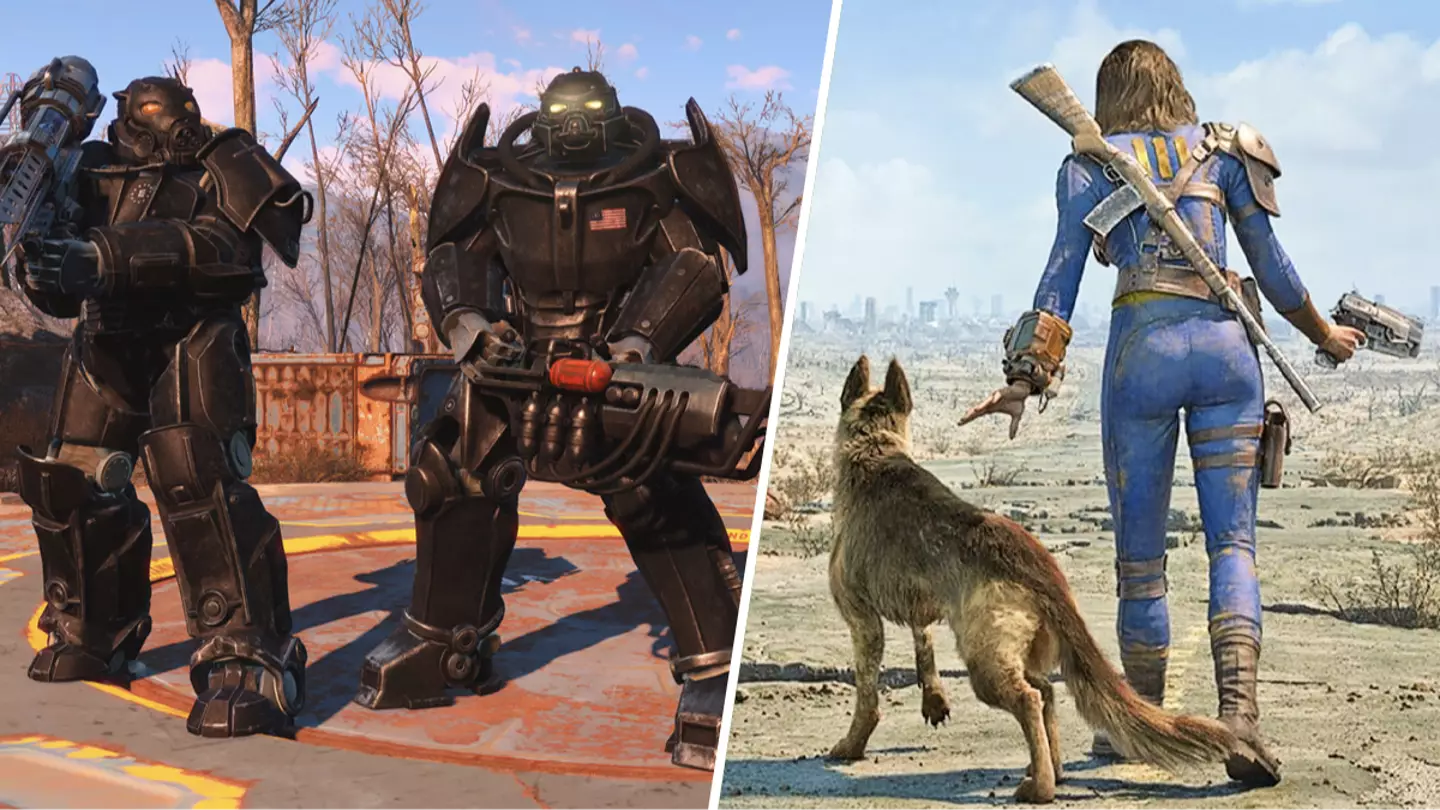
Last week, the long-awaitedFallout 4‘new-gen’ update landed and in true Bethesda fashion, it was a bit of a mess.
On consoles, players claim they can barely see a difference in visuals, and over on PC it seems like a complete non-starter, with the only major difference being ultra-wide monitor support. Oh, and it broke a bunch of mods due to the upgrades to the engine.
If you’re new to the Fallout universe it’s helpful to know where to start
Considering thisFalloutupdate was supposed to bring the game up to more modern standards, many are complaining thatBethesdahasn’t implemented any graphical updates for PC, such as ray tracing.
Advert
Advert
So, players are desperate to roll back the update and revert their game to the previous patch, which isn’t as difficult as you might think.
Here’s a little guide on how to rollback your copy ofFallout 4on PC (Thanks DSOG):
download_depot 377160 377161 7497069378349273908
Advert
Advert
download_depot 377160 377162 5847529232406005096
download_depot 377160 377163 5819088023757897745
download_depot 377160 377164 2178106366609958945
Now you can go back to what you were doing before the update and if you don’t want any more updates in the future simplydownload this modwhich prevents automatic updates.
Topics:Bethesda,Fallout,PC,Steam
