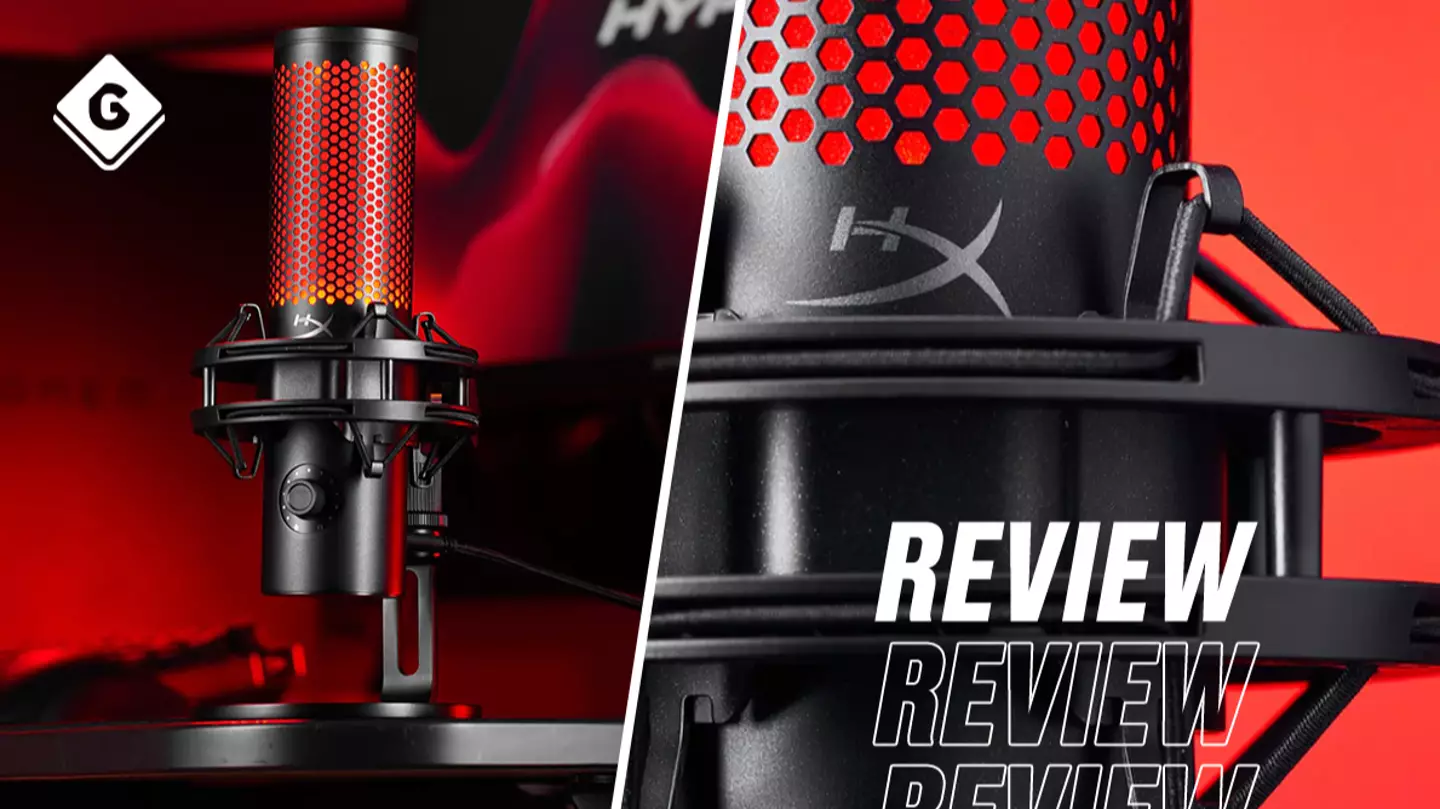
Thanks to its extensive compatibility, the HyperX QuadCast 2 can cater to almost all of your needs. If you’re looking to upgrade your audio whilst gaming with friends, it’s compatible with the PlayStation 4, PlayStation 5, Nintendo Switch, and Steam Deck. Looking to stream from your PC? It’ll do that too. Are you stuck on endless work calls on your MacBook and want to make sure that your colleagues can hear you? This handy mic will take care of that too.
Yes, the HyperX QuadCast 2 will set you back £124.99 but it should tick every ‘usage’ box you have, unless, of course, it’s Xbox that you’re looking to game on. And across every one of those aforementioned compatible platforms, setting up the microphone is almost instantaneous. Simply plug it in and you’re pretty much ready to go - although you may need to detour to your console or computer’s settings to change the audio input. What you don’t need to do is faff around with installation software, although you do have the option to download HyperX NGENUITY should you wish to in support of your device.
Advert
Advert
I have to say, it’s refreshing to see the device cater to Mac as despite it being almost as commonplace as PC these days, on too many occasions do I find PC-only products while perusing for new bits of tech. The lead included with the HyperX QuadCast 2 has a dongle so you can set up the right size of USB connection.
Credit / HyperX
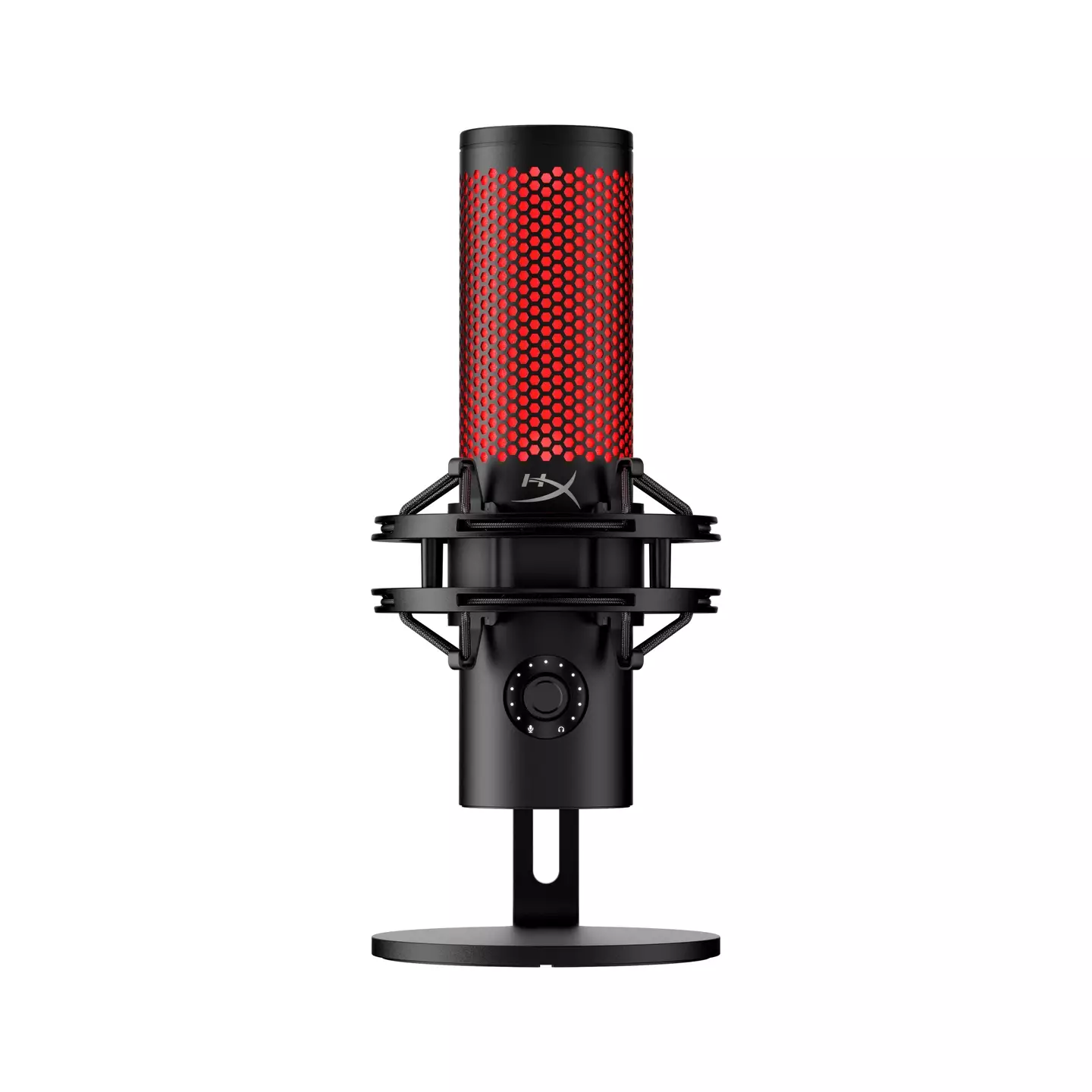
Elsewhere on the device, there’s a knob to control the mic’s sensitivity, and using the accompanying instructions, you can also use this to alter which direction the mic is picking up sound from. It’ll be set-up to absorb sound from the front and for personal use, this should suffice. Should you, say, be recording a multi-person podcast though, there is the option to change to a two-sided or four-sided sound pick-up.
Advert
Advert
As for the microphone’s sound quality, well, I can’t fault that either. I’ve tried out the HyperX QuadCast 2 both in a speaking and singing capacity, altering the sound pick-up directions and mic sensitivity - using it in close proximity and as a device simply to pick up the sound in the room - and in every single instance, I received crisp, crystal clear audio. Thanks to the built-in stand and shock-mount, you don’t need to worry about movement during use either, although you can remove both of these to install a larger stand should you wish.
Whatever it is you’re seeking, from something to kickstart your streaming career to an audio upgrade for your endless video calls, the HyperX QuadCast 2 microphone has you covered. I really can’t pinpoint a downside. Yes, it’s not the cheapest product on the market, but that’s because you’re investing in a real quality bit of kit that’s going to tick all of your boxes. The USB microphone market has never particularly been revered for its audio quality and yet, here comes a product like the HyperX QuadCast 2 offering studio-quality audio. If the HyperX QuadCast 2 falls within your budget, I can confidently say that it’s worth every penny.
Topics:Reviews,Tech
