Watch out, PS5 users - a huge error has been reported online which apparently forces users to reset their console to its factory settings. Yikes.Sony’s new-gen console has never been the most hardy device in the world. Previously, users have reported that theirPS5shave beenbricked after being left plugged in during thunderstorms, which is absolutely tragic (since reading that, mine has been unplugged every time there’s been a slight rumble outside). More recently, someFinal FantasyXVIplayers have had their consolesoverheat during intense boss battlesandeven cutscenes.Take a look at this PS5 being hydrodipped below.Now though, one user on Reddit has reported a major issue which may seemingly be able to strike even more suddenly than lightning itself. Over on the r/playstation subreddit, BradtotheRadsharedan error message which apparently popped up on their console while they were playingDiablo IV.AdvertThe message reads: “Something went wrong. Your console needs to be reset to factory defaults to continue. Select [OK] to reset your console.”Well, that’s a bit terrifying. Based on the thread, it’s not clear how it happened - although they were playingDiablo IVwhen it happened, it should be noted that this doesn’t mean that the game itself was the problem - in fact, no other users appear to have reported this same problem online. Regardless of the cause of the issue, the user later clarified: “It’s fine now. We had to download some stuff again but it’s working.”Anyone who pays forPlayStation Plusautomatically gets all their save data backed up to the cloud, so if you’re worried about this happening to you and you’re already a subscriber, you’re pretty much covered already. Otherwise, it’s also possible to back up your console data to a USB drive, even without paying for a PS Plus membership. All you need to do is plug in a supported USB drive, head into your settings, find the ‘System Software’ option, follow that through to ‘Back Up and Restore’, and finally ‘Back Up Your PS5’. Stay safe, folks.Featured Image Credit: Kerde Severin via Unsplash, Jacinto Diego via UnsplashTopics:PlayStation 5,PlayStation,Sony
Watch out, PS5 users - a huge error has been reported online which apparently forces users to reset their console to its factory settings. Yikes.Sony’s new-gen console has never been the most hardy device in the world. Previously, users have reported that theirPS5shave beenbricked after being left plugged in during thunderstorms, which is absolutely tragic (since reading that, mine has been unplugged every time there’s been a slight rumble outside). More recently, someFinal FantasyXVIplayers have had their consolesoverheat during intense boss battlesandeven cutscenes.Take a look at this PS5 being hydrodipped below.Now though, one user on Reddit has reported a major issue which may seemingly be able to strike even more suddenly than lightning itself. Over on the r/playstation subreddit, BradtotheRadsharedan error message which apparently popped up on their console while they were playingDiablo IV.AdvertThe message reads: “Something went wrong. Your console needs to be reset to factory defaults to continue. Select [OK] to reset your console.”Well, that’s a bit terrifying. Based on the thread, it’s not clear how it happened - although they were playingDiablo IVwhen it happened, it should be noted that this doesn’t mean that the game itself was the problem - in fact, no other users appear to have reported this same problem online. Regardless of the cause of the issue, the user later clarified: “It’s fine now. We had to download some stuff again but it’s working.”Anyone who pays forPlayStation Plusautomatically gets all their save data backed up to the cloud, so if you’re worried about this happening to you and you’re already a subscriber, you’re pretty much covered already. Otherwise, it’s also possible to back up your console data to a USB drive, even without paying for a PS Plus membership. All you need to do is plug in a supported USB drive, head into your settings, find the ‘System Software’ option, follow that through to ‘Back Up and Restore’, and finally ‘Back Up Your PS5’. Stay safe, folks.Featured Image Credit: Kerde Severin via Unsplash, Jacinto Diego via UnsplashTopics:PlayStation 5,PlayStation,Sony
Watch out, PS5 users - a huge error has been reported online which apparently forces users to reset their console to its factory settings. Yikes.Sony’s new-gen console has never been the most hardy device in the world. Previously, users have reported that theirPS5shave beenbricked after being left plugged in during thunderstorms, which is absolutely tragic (since reading that, mine has been unplugged every time there’s been a slight rumble outside). More recently, someFinal FantasyXVIplayers have had their consolesoverheat during intense boss battlesandeven cutscenes.Take a look at this PS5 being hydrodipped below.Now though, one user on Reddit has reported a major issue which may seemingly be able to strike even more suddenly than lightning itself. Over on the r/playstation subreddit, BradtotheRadsharedan error message which apparently popped up on their console while they were playingDiablo IV.AdvertThe message reads: “Something went wrong. Your console needs to be reset to factory defaults to continue. Select [OK] to reset your console.”Well, that’s a bit terrifying. Based on the thread, it’s not clear how it happened - although they were playingDiablo IVwhen it happened, it should be noted that this doesn’t mean that the game itself was the problem - in fact, no other users appear to have reported this same problem online. Regardless of the cause of the issue, the user later clarified: “It’s fine now. We had to download some stuff again but it’s working.”Anyone who pays forPlayStation Plusautomatically gets all their save data backed up to the cloud, so if you’re worried about this happening to you and you’re already a subscriber, you’re pretty much covered already. Otherwise, it’s also possible to back up your console data to a USB drive, even without paying for a PS Plus membership. All you need to do is plug in a supported USB drive, head into your settings, find the ‘System Software’ option, follow that through to ‘Back Up and Restore’, and finally ‘Back Up Your PS5’. Stay safe, folks.
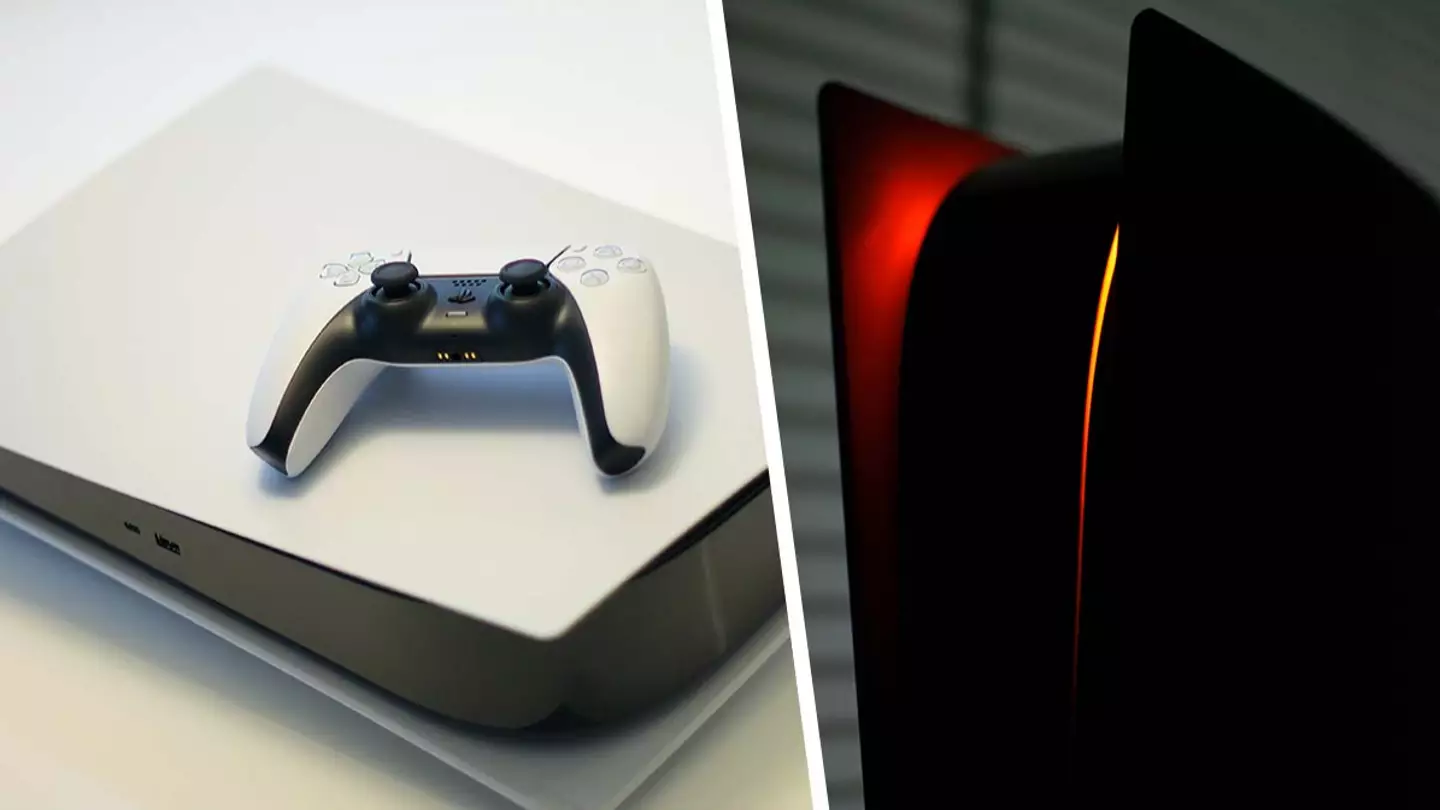
Watch out, PS5 users - a huge error has been reported online which apparently forces users to reset their console to its factory settings. Yikes.
Sony’s new-gen console has never been the most hardy device in the world. Previously, users have reported that theirPS5shave beenbricked after being left plugged in during thunderstorms, which is absolutely tragic (since reading that, mine has been unplugged every time there’s been a slight rumble outside). More recently, someFinal FantasyXVIplayers have had their consolesoverheat during intense boss battlesandeven cutscenes.
Take a look at this PS5 being hydrodipped below.
Now though, one user on Reddit has reported a major issue which may seemingly be able to strike even more suddenly than lightning itself. Over on the r/playstation subreddit, BradtotheRadsharedan error message which apparently popped up on their console while they were playingDiablo IV.
Advert
Advert
The message reads: “Something went wrong. Your console needs to be reset to factory defaults to continue. Select [OK] to reset your console.”
Well, that’s a bit terrifying. Based on the thread, it’s not clear how it happened - although they were playingDiablo IVwhen it happened, it should be noted that this doesn’t mean that the game itself was the problem - in fact, no other users appear to have reported this same problem online. Regardless of the cause of the issue, the user later clarified: “It’s fine now. We had to download some stuff again but it’s working.”
Anyone who pays forPlayStation Plusautomatically gets all their save data backed up to the cloud, so if you’re worried about this happening to you and you’re already a subscriber, you’re pretty much covered already. Otherwise, it’s also possible to back up your console data to a USB drive, even without paying for a PS Plus membership. All you need to do is plug in a supported USB drive, head into your settings, find the ‘System Software’ option, follow that through to ‘Back Up and Restore’, and finally ‘Back Up Your PS5’. Stay safe, folks.
Topics:PlayStation 5,PlayStation,Sony
