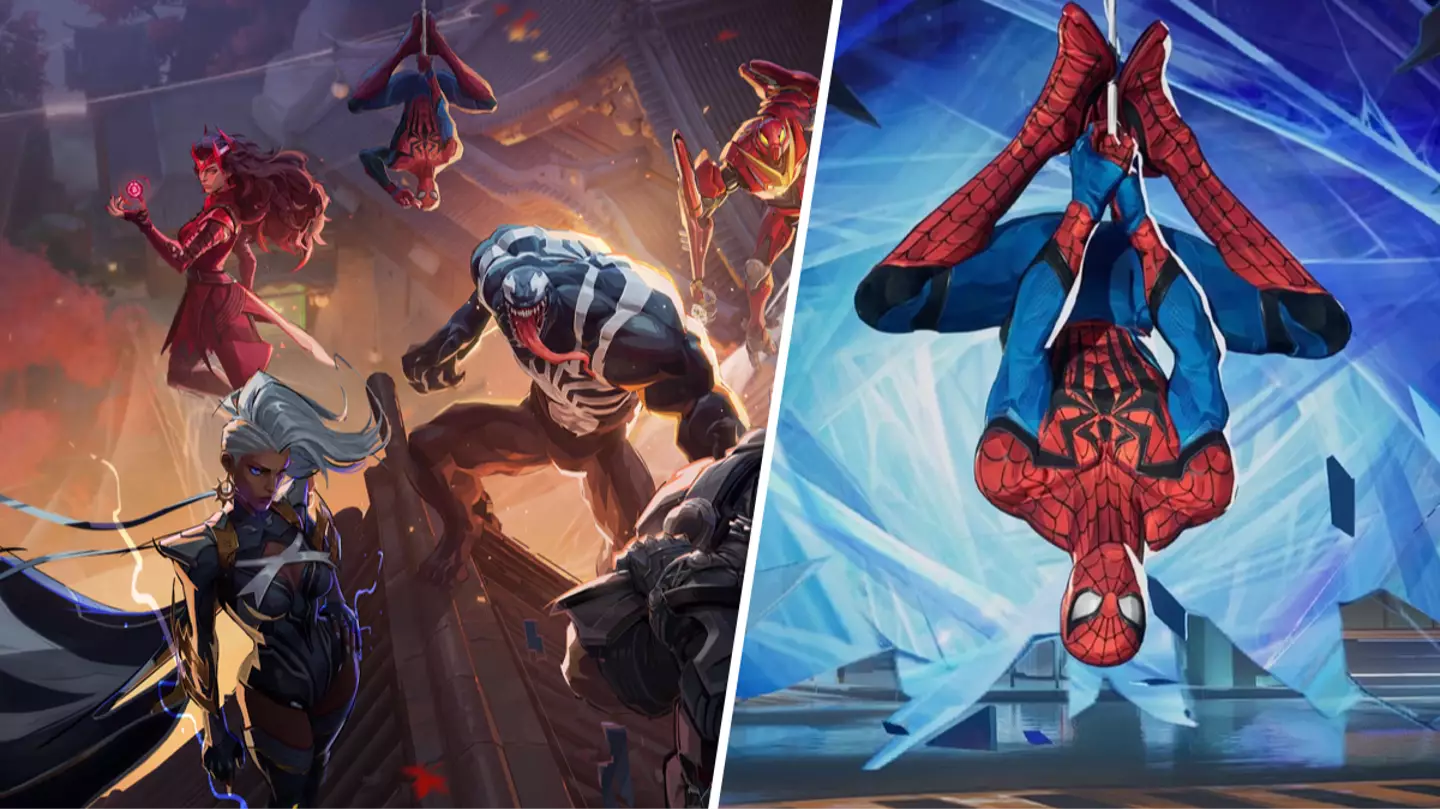
Marvel Rivalsis currently the talk of the town since being released last week and with players getting stuck into the game’s large roster of characters, this handy tip may save them a lot of bother.
You can also play as Moon Knight inMarvel Rivals.Check him out in action below!
Advert
Advert
With a roster of 33 characters on launch (with more set to arrive in the future), fans are loving it, even if they have to deal with Jeff the Land Shark ruining their days with his ultimate ability (if you know, you know).
Two such characters that have received a lot of love areSpider-Manand Venom.
Our friendly neighbourhood Spider-Man and favourite symbiote are common picks inMarvel Rivalsmainly due to their ability to swing through the map with ease.
However, players have reported that their swinging ability can be a bit hit or miss and with janky movements, it can sometimes be more of a hindrance than a help.
Advert
Advert
Luckily for them, a solution is available thanks to one simple tweak to settings.
To solve the issue, players can head into settings and turn off Automatic Swing.
This can be found in the controller/mouse section of settings. Once there, do the following:
Combat > All Heroes > Select Venom/Spider-Man then Confirm > Turn off Auto Swing.
Advert
Advert
A handy note is that Auto Swing is listed as ‘Automatic Swing’ for Spider-Man and ‘Easy Swing’ for Venom. Either way, turn both of these off.
Hopefully this will make navigating the map a whole lot easier for you when picking these heroes and will not lead to any unfortunate deaths.
Topics:Marvel,Spider Man,PC,PlayStation,Xbox
