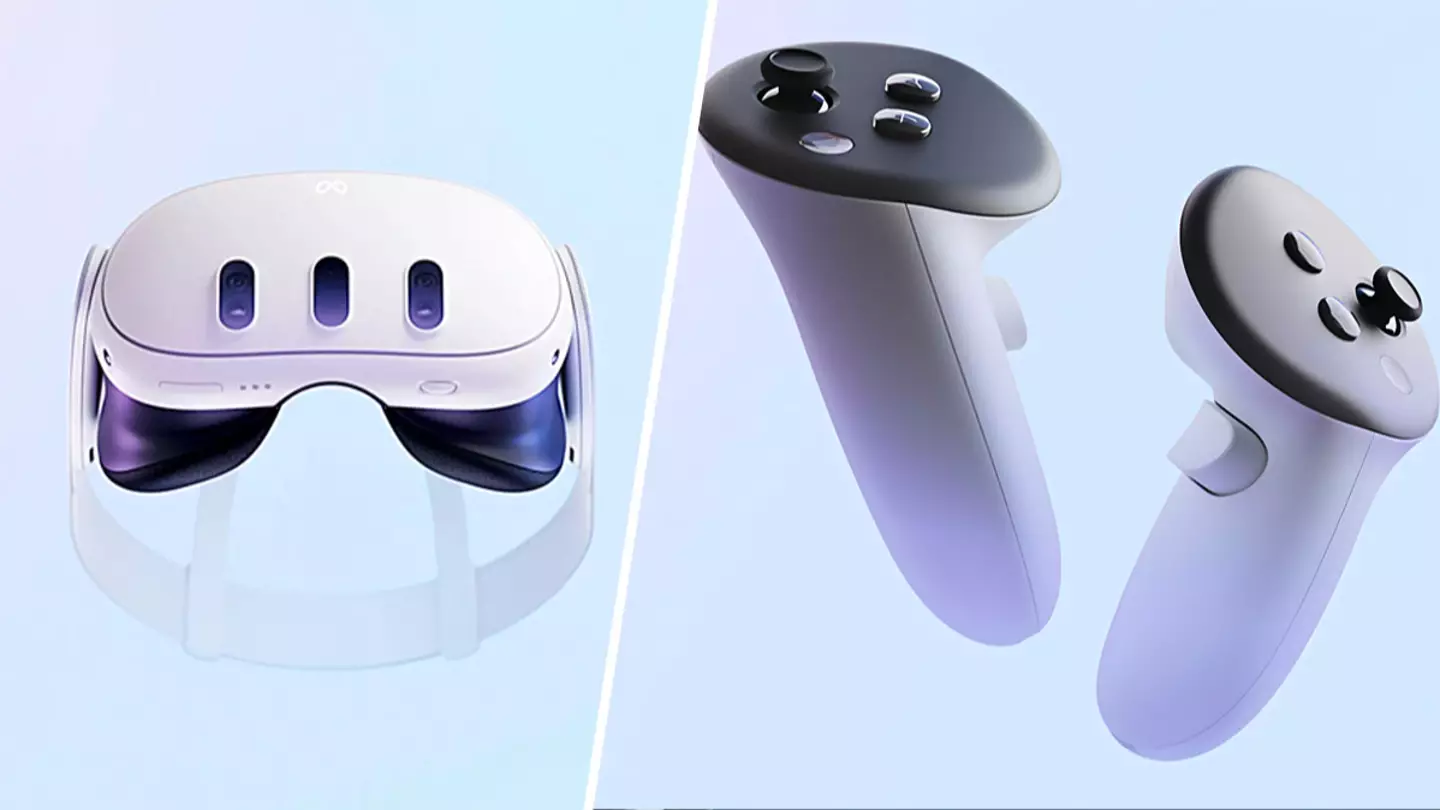
Recently, I got to go hands-on with the Meta Quest 3, the latest VR set that doesn’t require a PC.
After playing around with it for a few days, I liked what I found, but while I have a lot of great things to say about it, there are still a few noticeable flaws that hold it back from perfection.
Take a look at the trailer for the Meta Quest 3, which launches later this week.
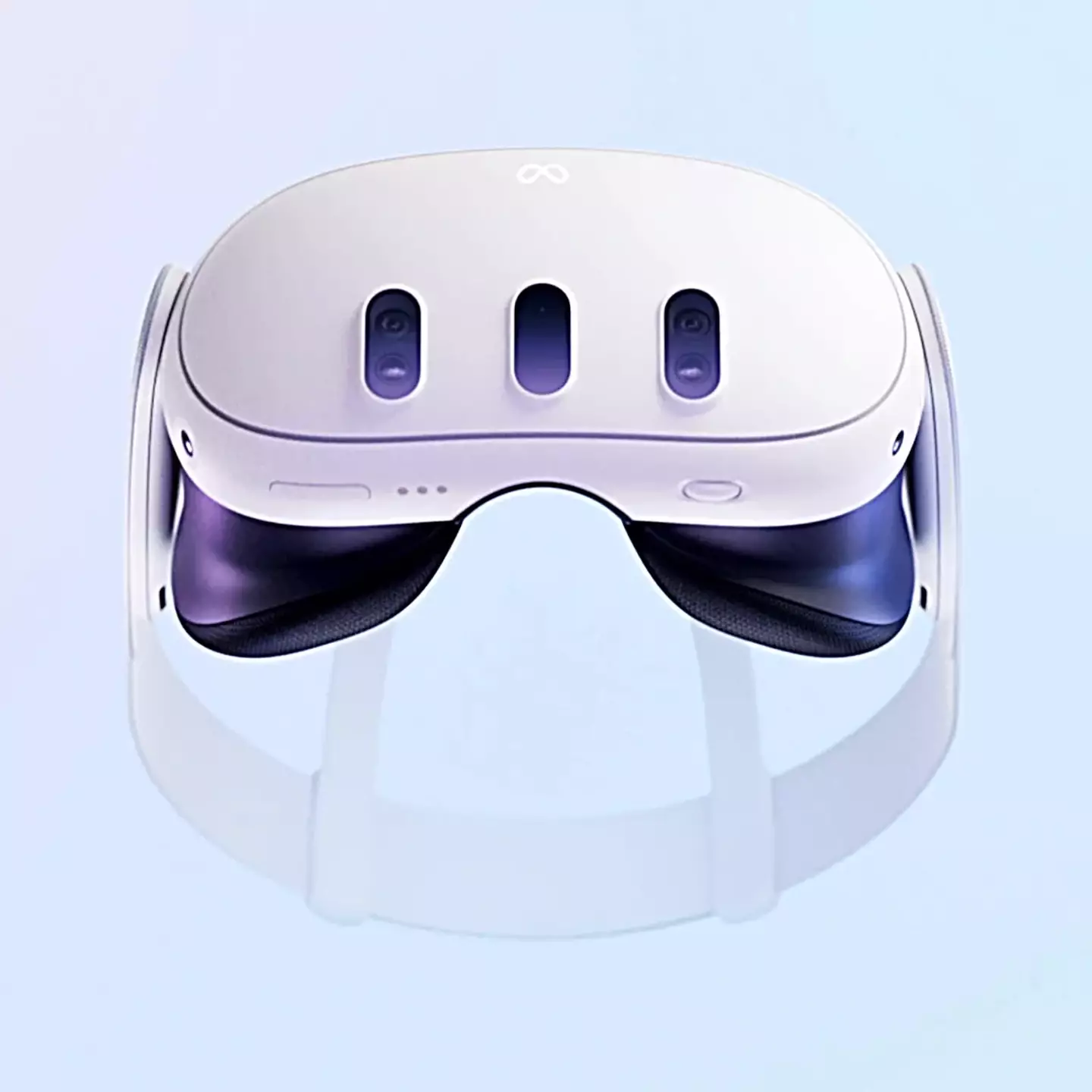
The headset itself is incredible and has seen a lot of improvements since the Quest 2, mainly its size, as it’s around 40% smaller. The thing that initially shocked me was how comfortable it was. Usually putting on aVRheadset can be a bit of a pain, as you need it to be affixed to your head in a way that won’t let it fall down whilst also making sure it’s comfortable on the ears and face. I wear glasses so I took them off when I first put them on, but later learnt that there was more than enough room inside to keep them on, whilst also ensuring a pretty comfortable fit.
Advert
Advert
You can also tilt the headset up or down to give yourself the best view, and there’s also a dial that alters the focus, so there was never a time where I couldn’t see what was in front of me, glasses or not.
I was also surprised how easy it was to set up. It took me about 5-10 minutes and a good chunk of that time was leaving it to update itself with the latest firmware. After messing with some settings, linking my Meta account, and scanning the room I was in for floorspace and objects, I was good to go.
Image quality was fantastic, with everything having a smooth and lifelike appearance that did wonders for the immersion. The headset even featured a little dial that could be turned to focus the image, which was helpful for games and apps that required a bit of reading. I even logged onto YouTube for a while and watched some of my favourite creators, with their videos clearly projected onto an enormous screen in front of me.
Meta Quest 3 Headset: Credit Meta
Advert
Advert
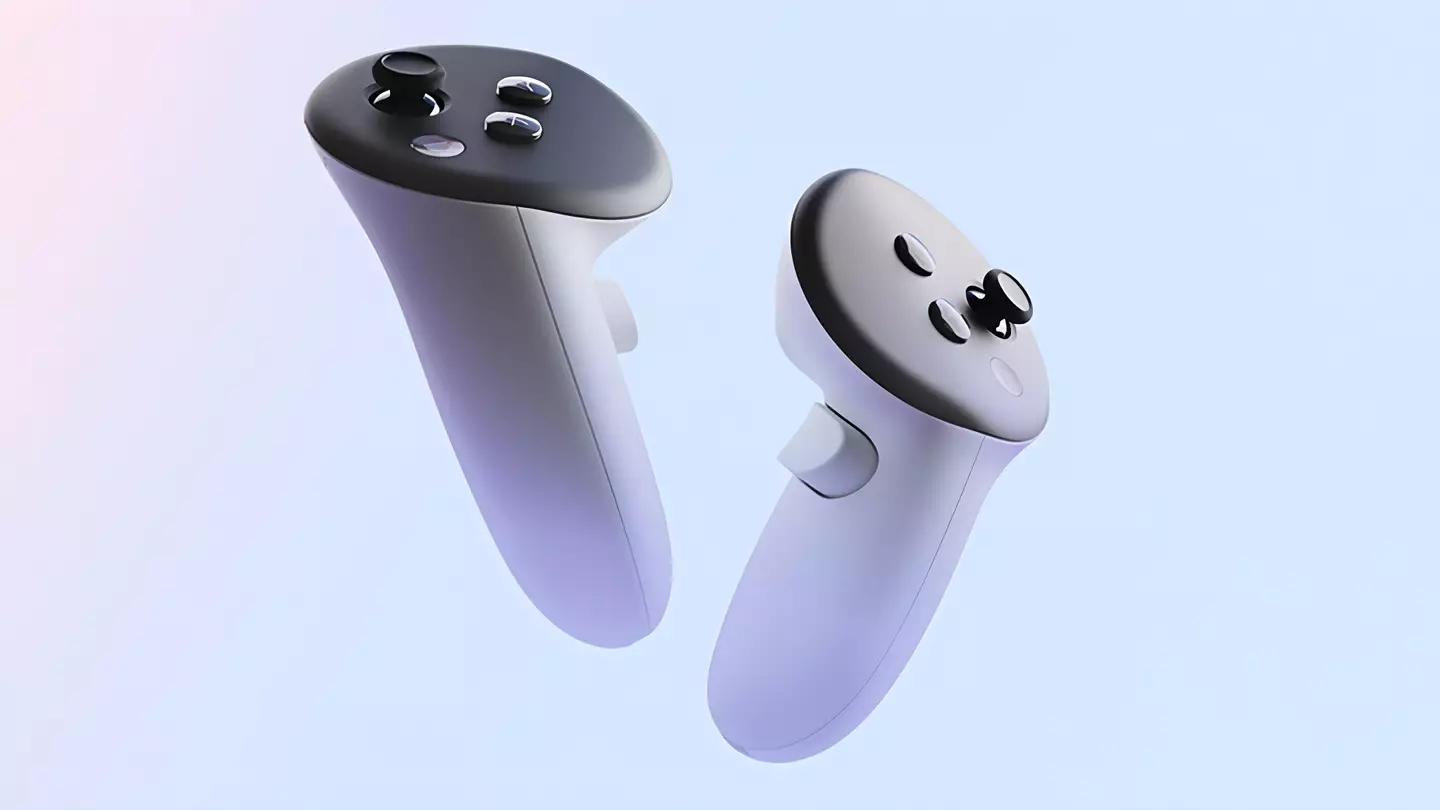
As for the controllers, there’s not much to say, as they’re basically exactly the same. What I will say is they’re still really comfortable to hold, and I encountered no issues with their precision during gameplay. They even feature haptic feedback, meaning there’s a little bit of resistance on the triggers depending on what you’re doing, just to add more immersion.
Meta Quest 3 Controllers: Credit Meta
It’s worth noting that there’s another control scheme available now that doesn’t require the controllers, once again thanks to the AR cameras. You can now opt to navigate the menus and certain apps with just your hands, which is really cool. The cameras would scan your hand position, allowing you to grab virtual windows, move them around, type on a virtual keyboard and more. It honestly made me feel like Tony Stark shuffling around a bunch of screens, all of which were projected across my room or across one of Quest 3’s virtual backgrounds, ranging from a space station, a tropical cabana, a snowy landscape and more.
Advert
Advert
I was given a handful of games to try out, with some being entirely needed for the Quest 3, and others being enhanced versions of Quest 2 titles. They all played beautifully, and perfectly showcased the range of genres VR is capable of supporting, from first-person shooters, puzzle games, fantasy and many more.
It was a truly immersive experience, and after a good few hours, it actually felt a little strange taking the headset off and walking around my non-virtual house.
Now, as much as I enjoyed my time with the Quest 3, there are a few issues worth discussing, and the big one is the battery life.
Advert
Advert
The second problem, albeit a lesser one, is accessibility for people with glasses. While I could wear my glasses and use the headset at the same time, it did eventually grow to be a bit uncomfortable. Obviously, if you require glasses, you shouldn’t use the headset without them in case of causing further damage to your eyes, but depending on your glasses' size and fit, you might not have many alternatives. Luckily, you can buy prescription lenses, but they’re not cheap, especially on top of the VR sets at full price.
Meta Quest 3: Credit Meta
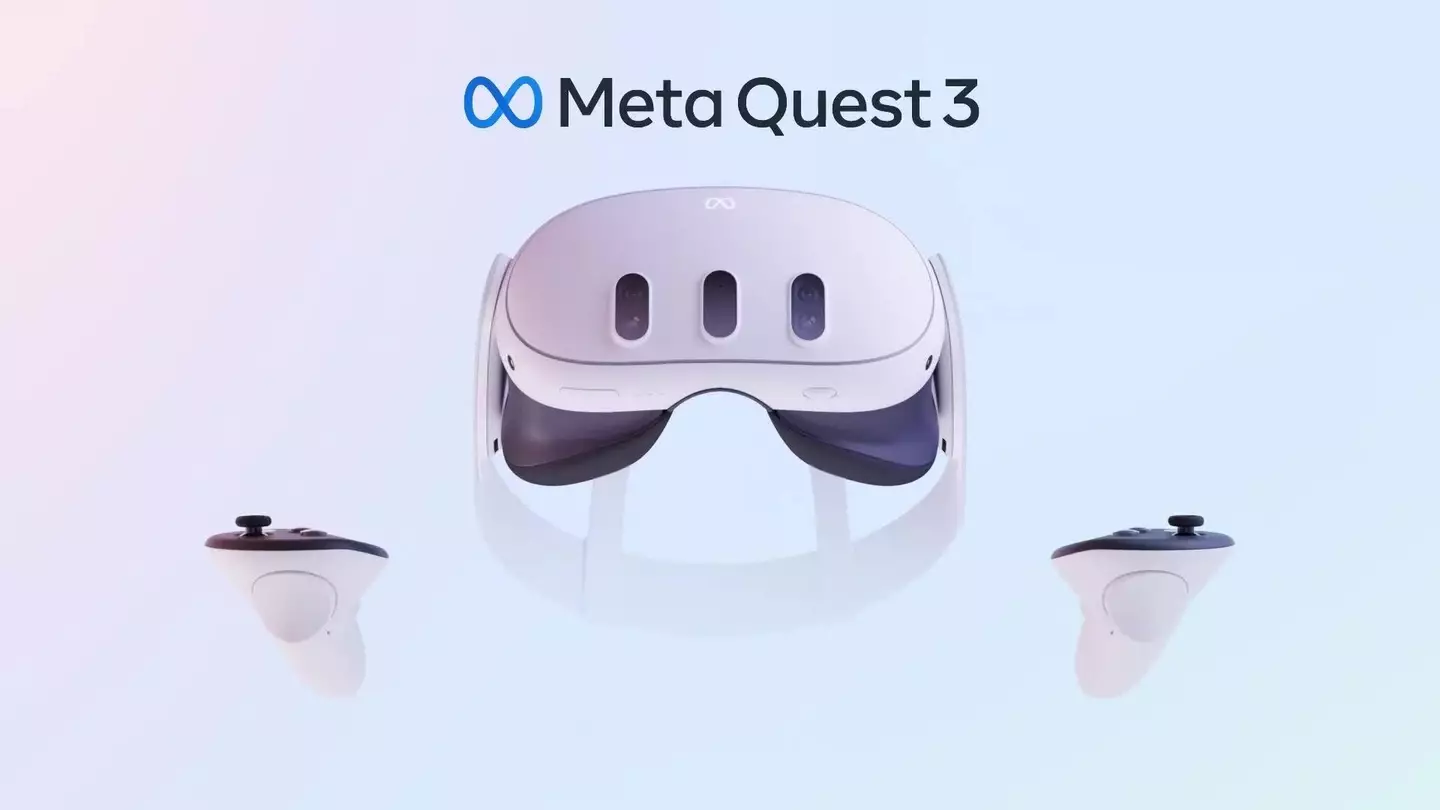
Overall, I think the Meta Quest 3 is well worth the investment if you’re a fan of VR. It’s perfect for those who don’t currently own a VR set, and I’d argue it improves on previous models enough to warrant an upgrade if you still have a Meta Quest 2. The main drawback is definitely the battery life, but if you’re happy buying an extended charging cable, and external battery, or just using it as and when it’s charged, it’s not the worst obstacle to overcome.
Topics:VR,PC
