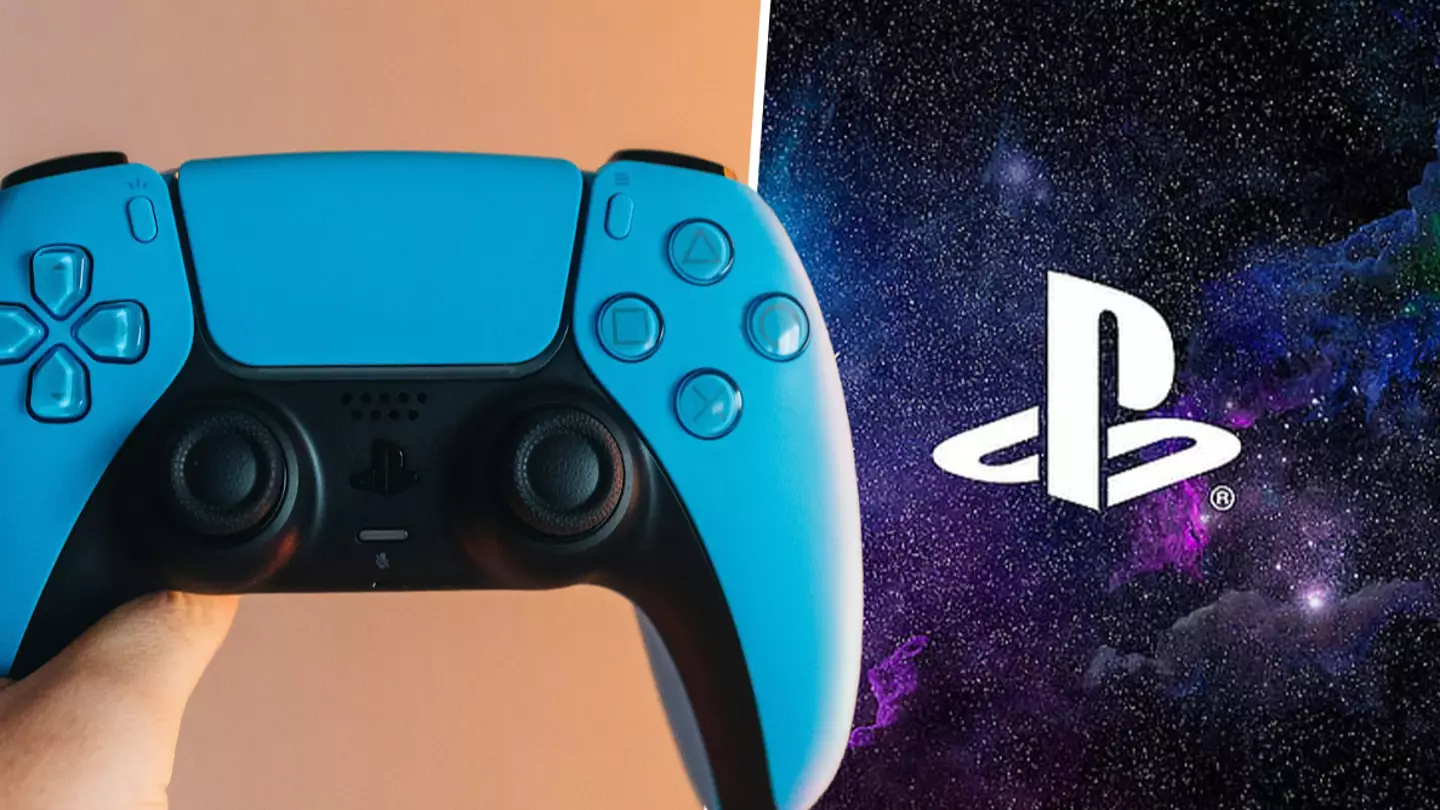
If your PlayStation 5 is running out of storage space there’s one setting you should change to help alleviate the issue.
We’re not saying it’ll remove the problem entirely, just that it’ll ensure you’re not wasting precious space.
On thePlayStation5 subreddit, one gamer shared the best trick for freeing up space and it’s remarkably simple.
Advert
Advert
All you need to do is switch off those trophy video clips.
We’re privileged to have had 30 years of PlayStation
Theysaid, “I would disable trophy video clips. They can take up space and [the] majority of them aren’t worth watching anyway. I disabled both screenshots and video for trophies because it’s kind of pointless to me.”
Advert
Advert
Having ignored this feature until my PS5 groaned from all the pointless videos stored, it does make a surprising difference when you disable this feature.
Let’s face it, most of us are like BigClownShoes in that we don’t pay attention to these clips.
We get a notification then forget it happened minutes later.
This way we can cut the problem off at the source and help our PS5 while we do so.
Advert
Advert
With games likeGTA VIpurportedly having amap twice the size ofGTA V, we need all the storage space we can get.
Nobody wants to be sat crying on launch day because their PS5 let them down.
Though maybe we shouldn’t mentionRockstar’s upcoming title seeing as how the fans are being blamed for thesecond trailer delay.
Advert
Advert
Be smart and change this setting now. Right now. Go on, get to it!
You’ll thank us later, trust us on this.
Topics:PlayStation,PlayStation 5,Tech,Sony
