
Starfieldhas finally arrived and is in our hands, but while you may be excited to explore the vast galaxy it offers, you’re going to want to utilise fast travel in order to get around effectively.
The size ofStarfield’s galaxy is something that Bethesda has been teasing for months. We’ve known for quite some time now that the game would boastover 1,000 planetsand 100 star systems. If you’re a completionist, you’re likely going to want to see every one of these. Not a completionist? Well, you’re still going to head to at least 10% ofStarfield’s planets if you want to see all those with meaningful signs of life.
Take a look atStarfieldin action below.
Even navigating New Atlantis can be a task seeing as it’s thelargest city Bethesda has ever created, featuring multiple districts you’ll need to travel between. If you want to go through the motions of returning to your ship, taking a seat in the cockpit, and plotting out a path to your destination planet before selecting a landing spot every time you need to travel between star systems, you most certainly can. I can guarantee before long, you’ll be fast travelling though.
Advert
Advert
It is thankfully possible to fast travel inStarfieldand it’s very easy to do using both the Star Map and your scanner - and we’ve got the details on everything you need to know to quickly zoom across the galaxy.
How do you fast travel inStarfieldusing your scanner?
Using your scanner allows you to fast travel to other locations situated on the planet you’re already on. This can be hugely helpful if you’re navigating a large city, or if you want to return to your ship.
Simply open up your scanner using LB. When you look around, the scanner will highlight points of interest which appear as white and black square tiles on the screen. A ship symbol, quite obviously, represents your ship, skyscrapers represent a city district, a drill represents a mining rig, and so on and so forth. Hover over one of these symbols and it’ll clearly label that point of interest Eg. New Atlantis Commercial District, Abandoned Mining Rig etc.
Advert
Advert
Bethesda
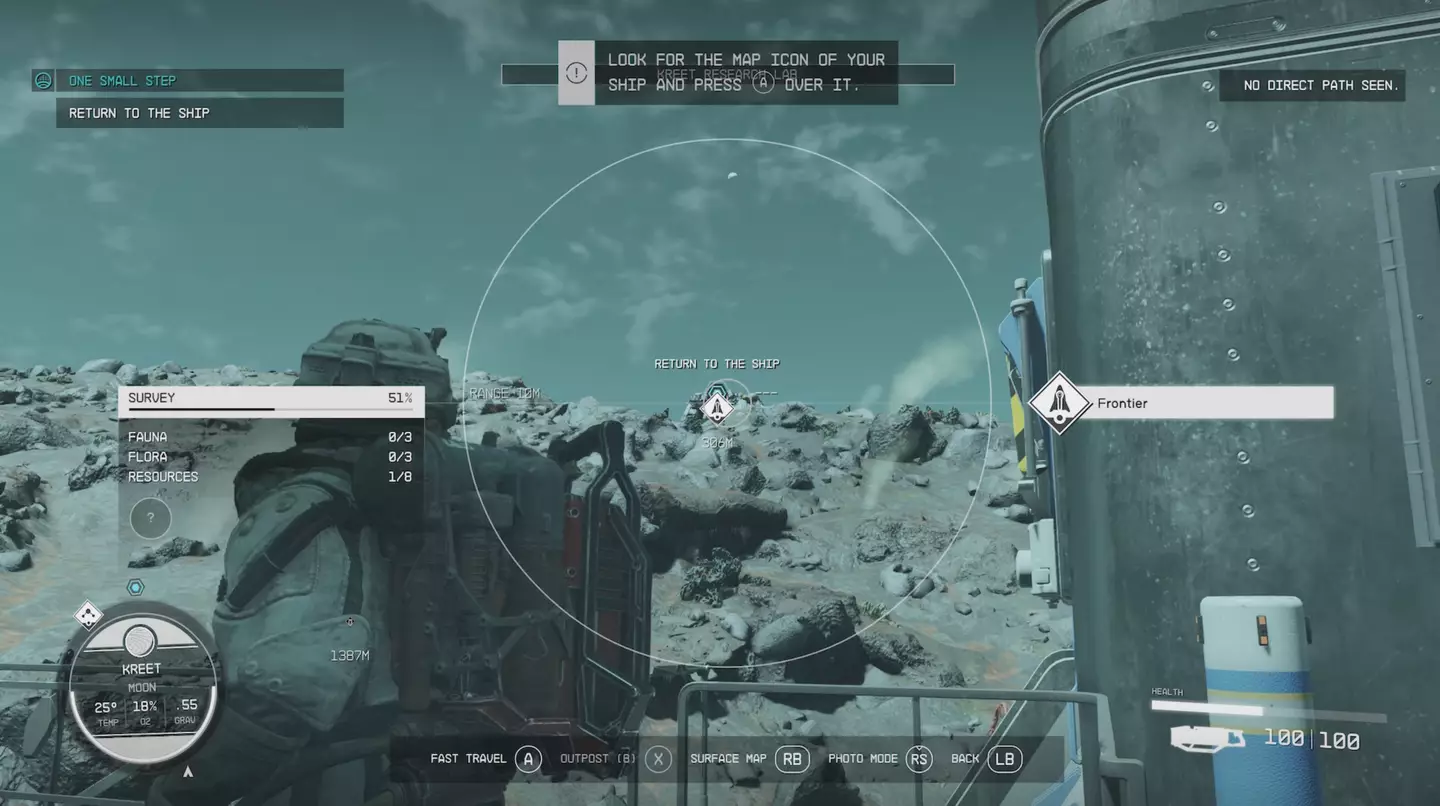
Click A when your scanner is situated over the location symbol you’re after and it’ll bring up a screen which reads, ‘Fast travel to selected location?’ Press A to confirm - and off you go.
How do you fast travel inStarfieldusing the Star Map?
Advert
Advert
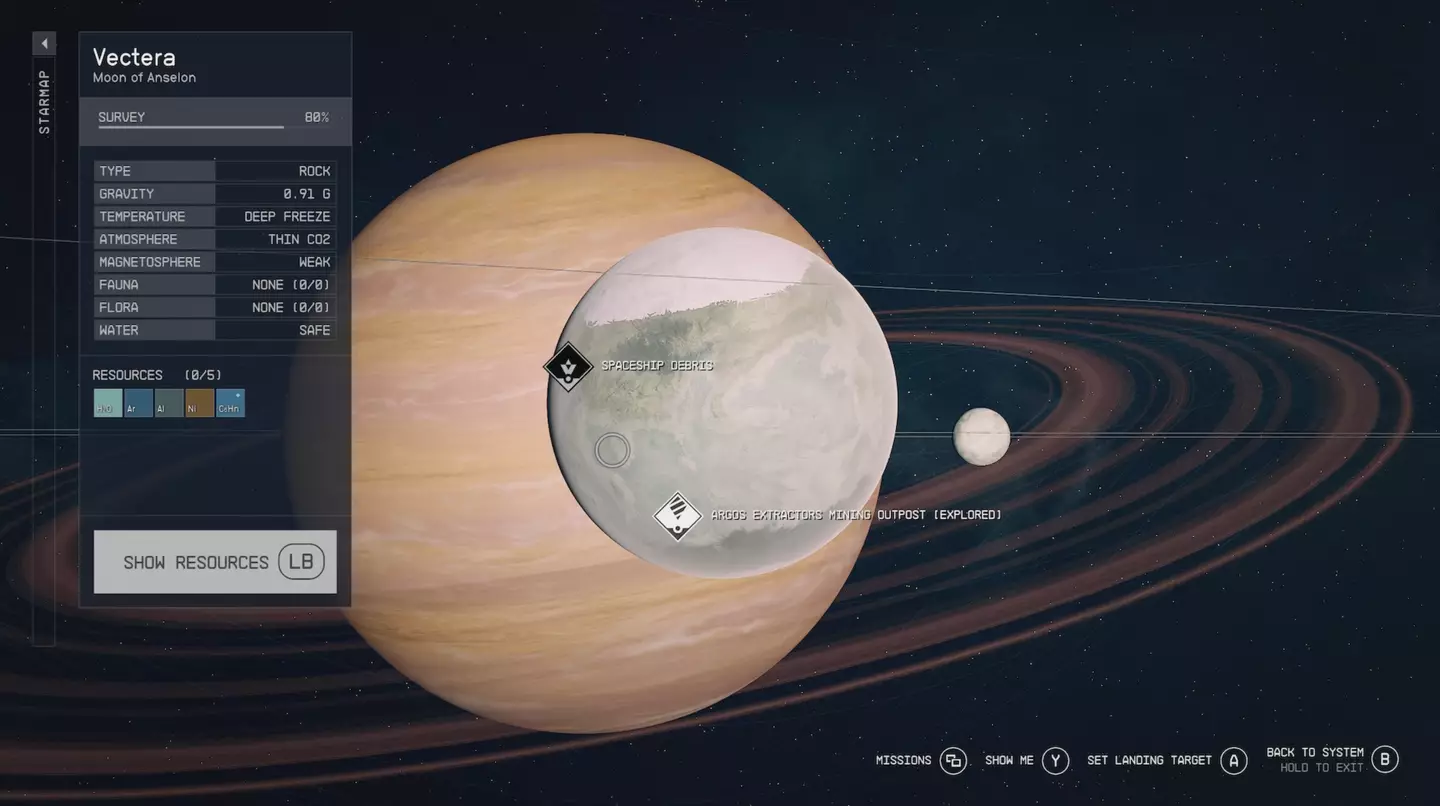
Once on the Star Map, you’ll need to drag the cursor using your analogue stick to the star system you’d like to travel to. Select that with A. Drag the cursor once again to the planet within that star system you’d like to land on. Select A again.
You’ll then be able to see the points of interest on that particular planet, once again indicated via white and black tiles. Hover over the destination you’d like to visit and press A. You’ll then be prompted to hold X to confirm your landing position. Do so and you’ll fast travel to your desired location without needing to return to your ship.
Bethesda
How do you fast travel to a mission location?
Advert
Advert
If you’re not exploring the galaxy for fun and actually want to fast travel to a mission location, you can do that too. Once again, use the Menu button to open the main UI screen. Then, select Missions located at the bottom of the screen. Once you’ve scrolled to the relevant mission, press A to open that mission’s objectives.
Hover over the objective you’re focusing on and press X. This sets a course to your destination automatically. Simply then press and hold X to land.
Bethesda
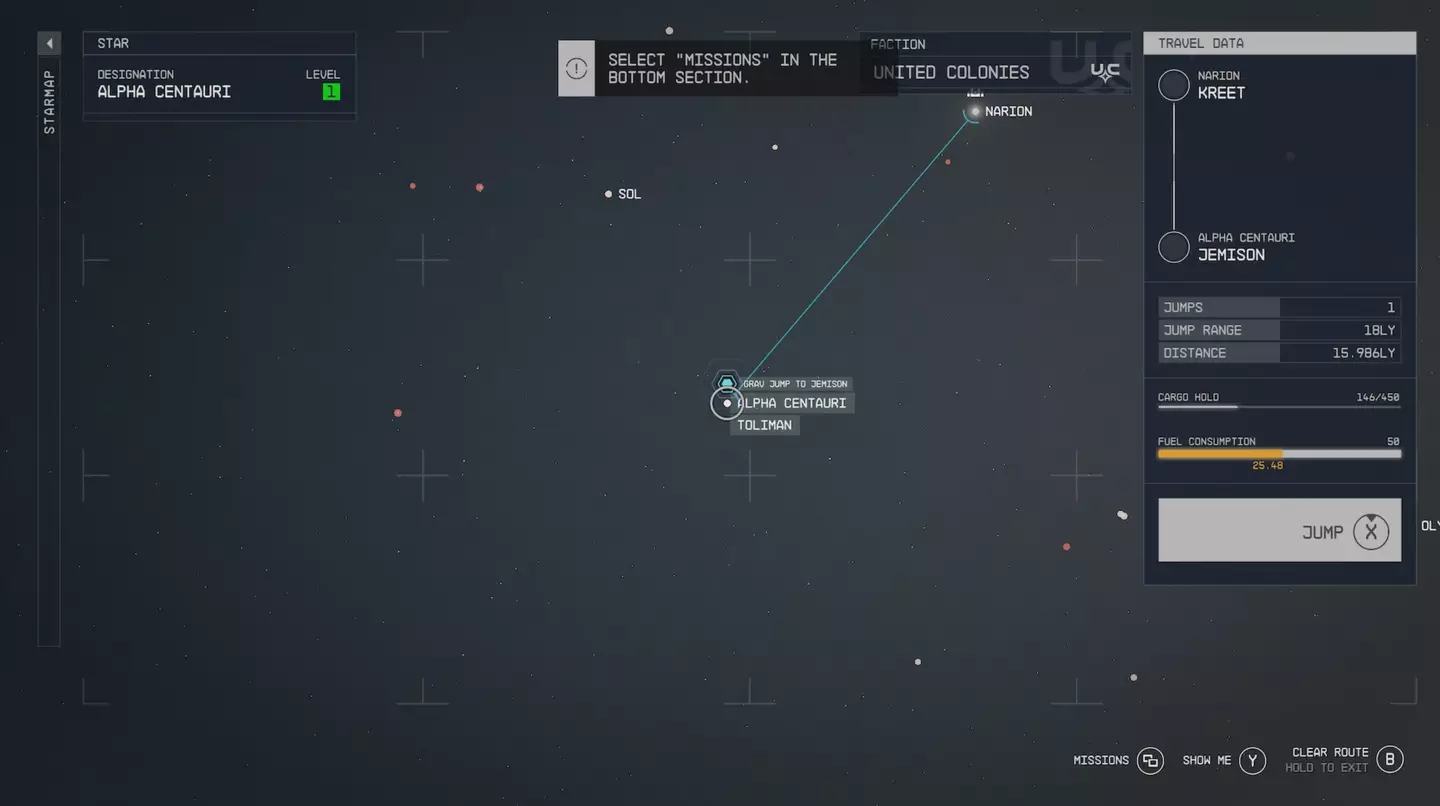
Later in the game, you may be met with the message, ‘Unexplored Route’, which will prohibit you from fast travelling. Thankfully, the game will have plotted out the sequence of star systems you need to jump to in order to make that journey. If any star systems are highlighted in red, these are prohibiting you from fast travelling as they are unexplored. Simply jump to each of these star systems in the sequence highlighted to complete your journey.
Advert
Advert
Why can’t I fast travel due to being encumbered?
Topics:Starfield,Bethesda,Xbox,Guide
