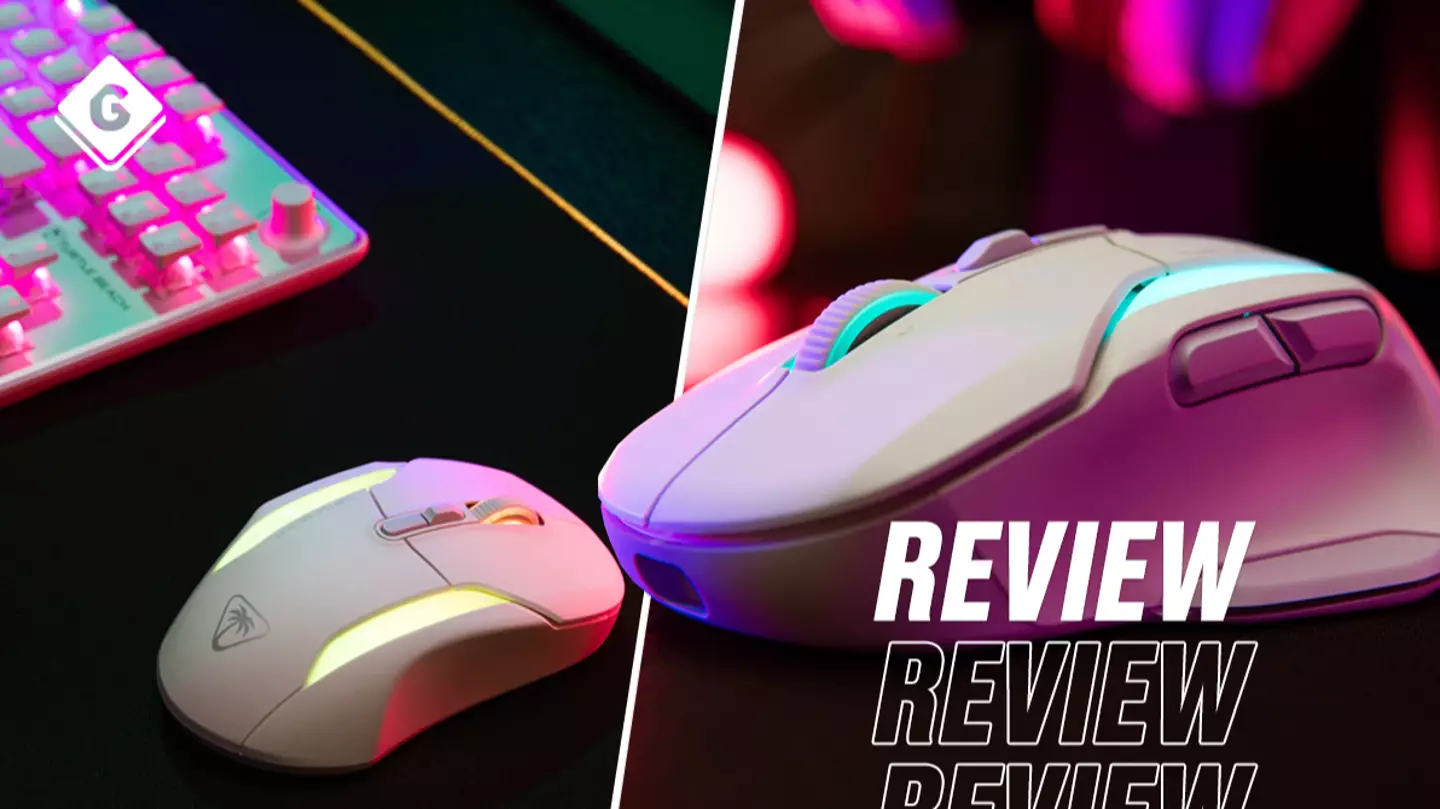
To say that this mouse is light is an understatement. It barely feels like you’re holding anything, weighing just 110g. Not that my previous mouse is heavy, but with that weighing 145g, the weight of the Kone II Air is noticeable. The mouse is also comfortable with its naturally fitting ergonomic design and you even get grip stickers in the box to be placed at the side of the mouse, helpful for those extended gaming sessions.
Check out the Kone II Air trailer below!
TheKone II Airglides across my mouse mat effortlessly due to its Polytetrafluoroethylene material at its base. Then with the Owl-Eye optical sensor, this mouse gives you added precision when gaming competitively. The 4D scroll wheel allows you to switch from a traditional clicky scroll ideal for the office or something faster without the click scroll suited for first-person shooters.
Advert
Advert
Much like leading pro controllers such as theTurtle Beach Stealth Ultraor theSCUF, you can programme the Kone II Air with any of its 12 buttons saved to its five profiles. Whether it’sCall of Duty,The Sims or Total War, you can customise the inputs to suit your needs and you can download one of the many macros availableviathe free Turtle Beach Swarm II app.
Turtle Beach
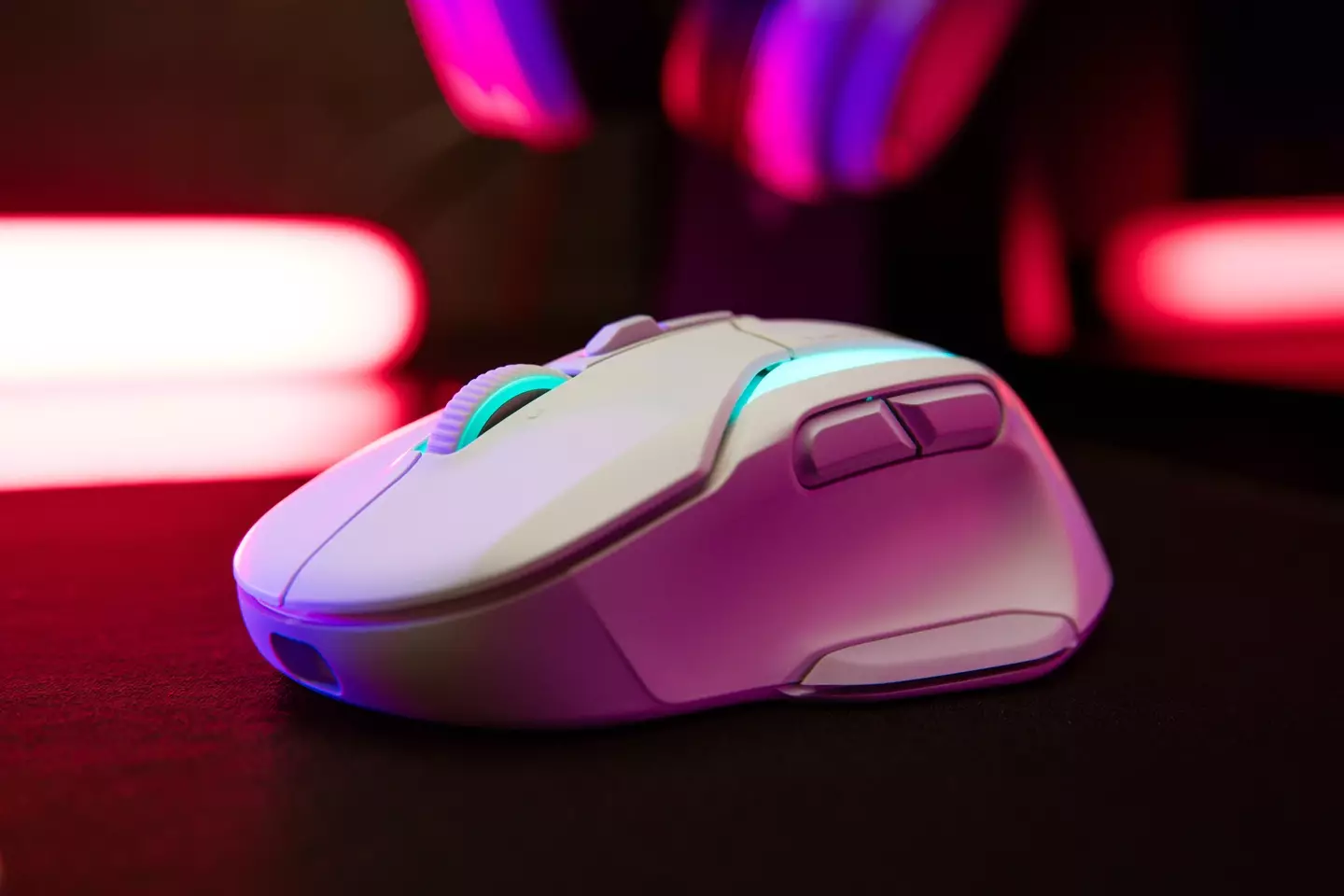
Speaking of the app, not only can you customise the inputs and download macros, but you can customise the DPI (dots-per-inch), DCU (distance control unit) angle mapping, and much more. Furthermore, you can customise the vibrant light colours on the mouse and how they pulse. So if you’ve already got a flashy keyboard such as theDucky Zero 6108 Classic, it will be glowing more than a Gremlin on Christmas day.
One of the other main features of the Kone II Air is its wireless connection and long-life battery. Turtle Beach claims that the mouse can last up to 350 hours on a full charge but that length will vary depending on your settings and wireless connection.
Advert
Advert
I haven’t been able to count the entire hours of usage, but so far after a full charge and multiple days of work, I could probably go almost five days before it needs recharging. When that happens, simply connect the braided cable supplied in the box and continue work/gaming while it’s getting some juice.
Turtle Beach
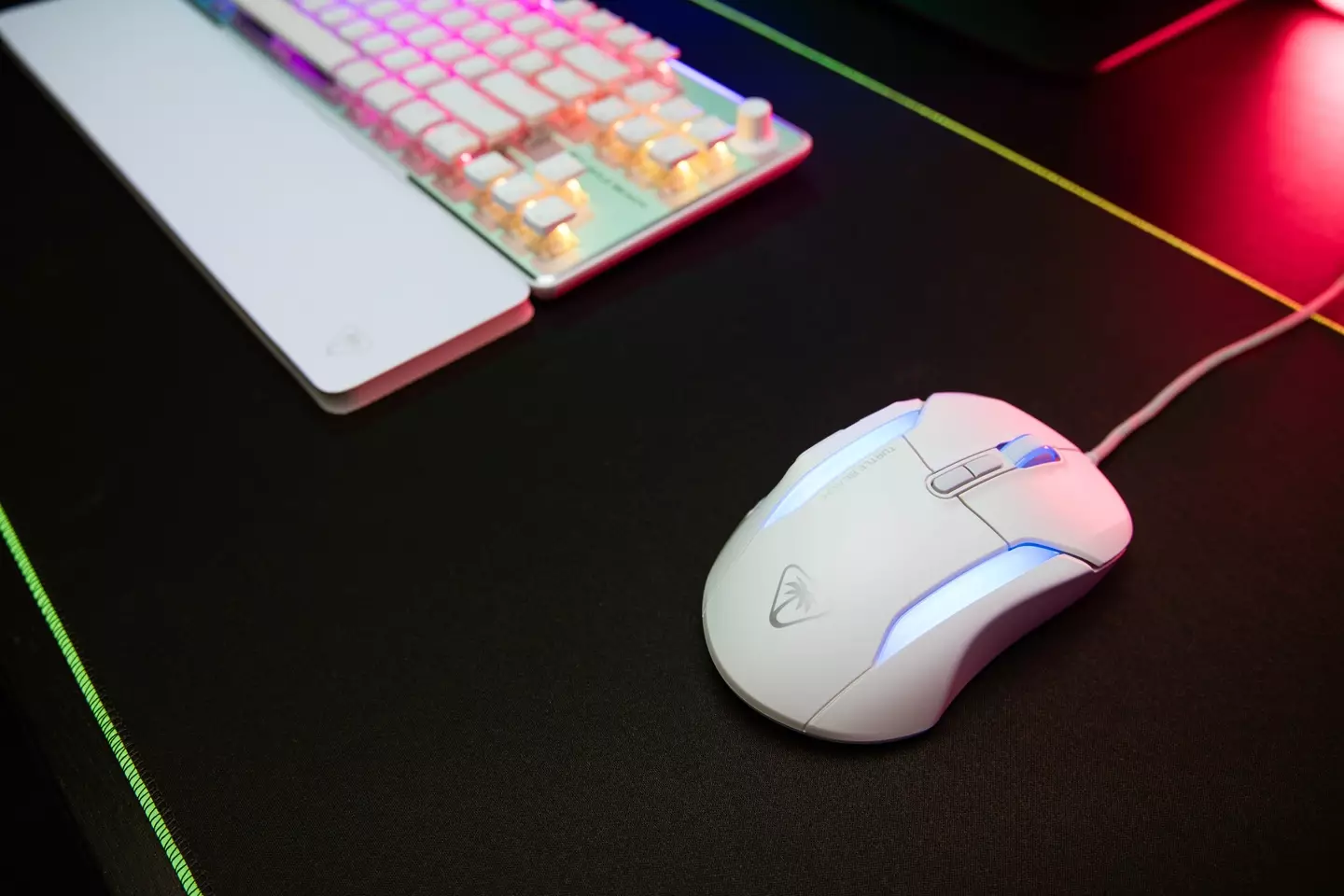
In terms of wireless connectivity, you have the choice of either Bluetooth without a dongle or 2.4GHz with a dongle. For gaming, you’d be better using the 2.4GHz (up to 130 hours) dongle as it tends to provide the strongest connection. However, when you’re using the Kone II Air for work you might prefer Bluetooth (up to 350 hours) which will also free up a USB port.
The RRP of £119.99 might seem a bit pricey but if you’re a fan of pro controllers and are on the lookout for a mouse equivalent that’s lightweight and precise, then you can’t go wrong with the Turtle Beach Kone II Air.
Advert
Advert
A review unit was provided.
Topics:PC,Reviews,Tech,Turtle Beach
