If this post does anything, make it so that you check you consoles for dust, as this gamer hadn’t spotted a large collection of dust in their Xbox Series X and it was constantly overheating.It’s easy to forget to take care of our consoles when we’re so used to grabbing the controller, turning it on, and gaming the night away.At the recent Xbox Games Showcase we finally got a glimpse of a new Gears of War gameHowever, one Redditor hastaken to the message boardsto post their story about theirXbox Series Xoverheating.AdvertAccording to the player, the console was overheating significantly, and only on closer expectation did they notice that “an enormous dust bunny had accumulated over two years.”Explaining furtherthey noted that the dust bunny was “flying up and down inside the machine.” They “Used canned air duster and pipe cleaners to break up the tumor and remove it.”Of course, after reading this, the first thing I did was inspect my own Series X and thankfully it is dust-free, however, this might not be the case for yours.As the post goes on, it turns out this was just the first thing thatu/PooveyFarmsRacernoticed. It turned out that the machine was chock full of dust and only using canned air could they properly clear it out.AdvertExplaining further,they said, “That wasn’t the only dust in there, just the largest mass I noticed when I peered inside. I stuck the straw from the canned air inside the tower itself and when I blew it was like the machine was coughing up dust.”This acted as a warning to other owners, but it also brought out lots of helpful advice too.One replyexplained how to do a more thorough cleaning, “You should pop the back off and give it a good full open-air dusting. There’s not a lot you can do from just sticking the straw in through the holes. I open mine up and air dust it at least once a year.”Of course, deep cleaning like this could very well negate your warranty, so be sure to follow the manufacturer’s instructions.Featured Image Credit: MicrosoftTopics:Xbox,Xbox Series X,Microsoft
If this post does anything, make it so that you check you consoles for dust, as this gamer hadn’t spotted a large collection of dust in their Xbox Series X and it was constantly overheating.It’s easy to forget to take care of our consoles when we’re so used to grabbing the controller, turning it on, and gaming the night away.At the recent Xbox Games Showcase we finally got a glimpse of a new Gears of War gameHowever, one Redditor hastaken to the message boardsto post their story about theirXbox Series Xoverheating.AdvertAccording to the player, the console was overheating significantly, and only on closer expectation did they notice that “an enormous dust bunny had accumulated over two years.”Explaining furtherthey noted that the dust bunny was “flying up and down inside the machine.” They “Used canned air duster and pipe cleaners to break up the tumor and remove it.”Of course, after reading this, the first thing I did was inspect my own Series X and thankfully it is dust-free, however, this might not be the case for yours.As the post goes on, it turns out this was just the first thing thatu/PooveyFarmsRacernoticed. It turned out that the machine was chock full of dust and only using canned air could they properly clear it out.AdvertExplaining further,they said, “That wasn’t the only dust in there, just the largest mass I noticed when I peered inside. I stuck the straw from the canned air inside the tower itself and when I blew it was like the machine was coughing up dust.”This acted as a warning to other owners, but it also brought out lots of helpful advice too.One replyexplained how to do a more thorough cleaning, “You should pop the back off and give it a good full open-air dusting. There’s not a lot you can do from just sticking the straw in through the holes. I open mine up and air dust it at least once a year.”Of course, deep cleaning like this could very well negate your warranty, so be sure to follow the manufacturer’s instructions.Featured Image Credit: MicrosoftTopics:Xbox,Xbox Series X,Microsoft
If this post does anything, make it so that you check you consoles for dust, as this gamer hadn’t spotted a large collection of dust in their Xbox Series X and it was constantly overheating.It’s easy to forget to take care of our consoles when we’re so used to grabbing the controller, turning it on, and gaming the night away.At the recent Xbox Games Showcase we finally got a glimpse of a new Gears of War gameHowever, one Redditor hastaken to the message boardsto post their story about theirXbox Series Xoverheating.AdvertAccording to the player, the console was overheating significantly, and only on closer expectation did they notice that “an enormous dust bunny had accumulated over two years.”Explaining furtherthey noted that the dust bunny was “flying up and down inside the machine.” They “Used canned air duster and pipe cleaners to break up the tumor and remove it.”Of course, after reading this, the first thing I did was inspect my own Series X and thankfully it is dust-free, however, this might not be the case for yours.As the post goes on, it turns out this was just the first thing thatu/PooveyFarmsRacernoticed. It turned out that the machine was chock full of dust and only using canned air could they properly clear it out.AdvertExplaining further,they said, “That wasn’t the only dust in there, just the largest mass I noticed when I peered inside. I stuck the straw from the canned air inside the tower itself and when I blew it was like the machine was coughing up dust.”This acted as a warning to other owners, but it also brought out lots of helpful advice too.One replyexplained how to do a more thorough cleaning, “You should pop the back off and give it a good full open-air dusting. There’s not a lot you can do from just sticking the straw in through the holes. I open mine up and air dust it at least once a year.”Of course, deep cleaning like this could very well negate your warranty, so be sure to follow the manufacturer’s instructions.
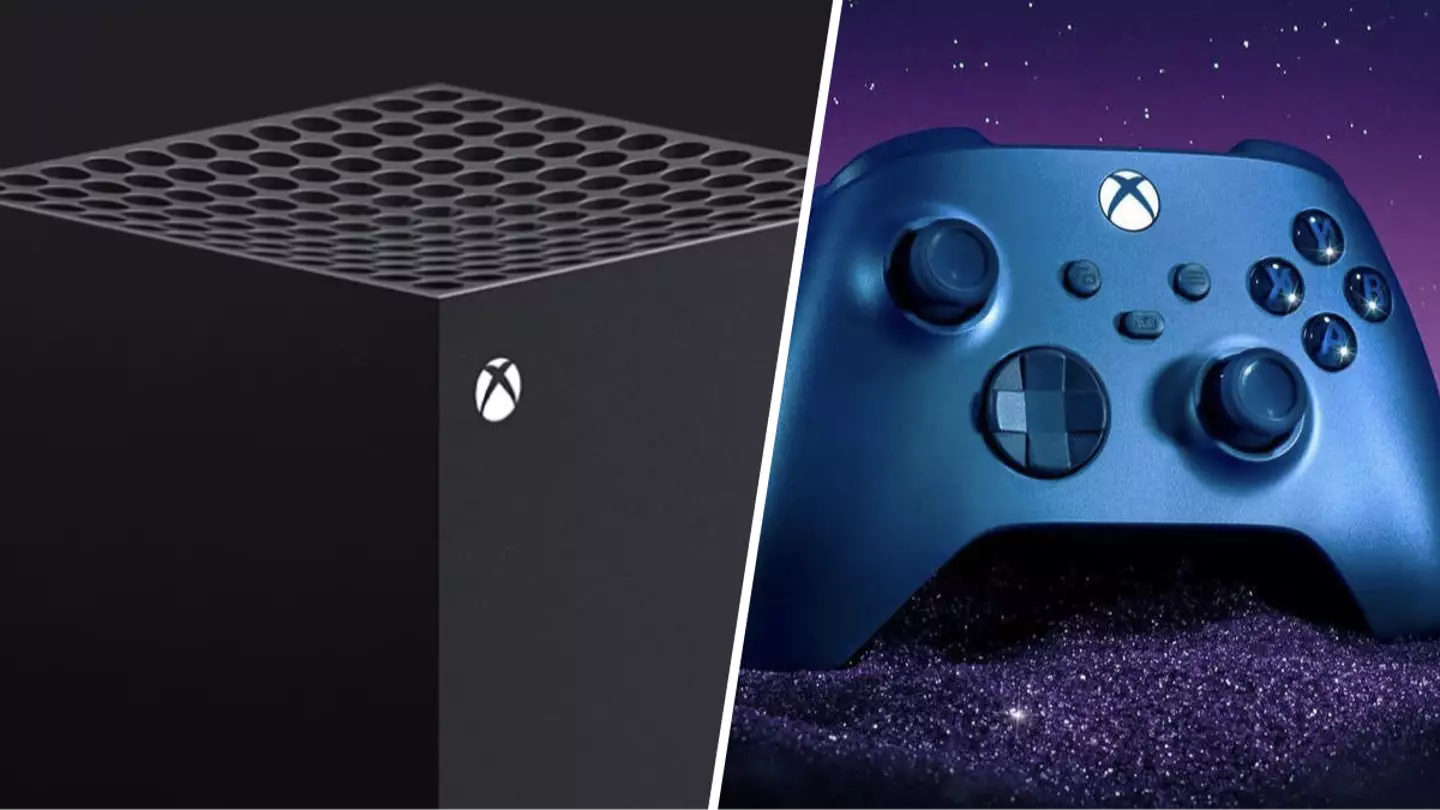
If this post does anything, make it so that you check you consoles for dust, as this gamer hadn’t spotted a large collection of dust in their Xbox Series X and it was constantly overheating.
It’s easy to forget to take care of our consoles when we’re so used to grabbing the controller, turning it on, and gaming the night away.
At the recent Xbox Games Showcase we finally got a glimpse of a new Gears of War game
However, one Redditor hastaken to the message boardsto post their story about theirXbox Series Xoverheating.
Advert
Advert
According to the player, the console was overheating significantly, and only on closer expectation did they notice that “an enormous dust bunny had accumulated over two years.”
Explaining furtherthey noted that the dust bunny was “flying up and down inside the machine.” They “Used canned air duster and pipe cleaners to break up the tumor and remove it.”
Of course, after reading this, the first thing I did was inspect my own Series X and thankfully it is dust-free, however, this might not be the case for yours.
As the post goes on, it turns out this was just the first thing thatu/PooveyFarmsRacernoticed. It turned out that the machine was chock full of dust and only using canned air could they properly clear it out.
Advert
Advert
Explaining further,they said, “That wasn’t the only dust in there, just the largest mass I noticed when I peered inside. I stuck the straw from the canned air inside the tower itself and when I blew it was like the machine was coughing up dust.”
This acted as a warning to other owners, but it also brought out lots of helpful advice too.One replyexplained how to do a more thorough cleaning, “You should pop the back off and give it a good full open-air dusting. There’s not a lot you can do from just sticking the straw in through the holes. I open mine up and air dust it at least once a year.”
Of course, deep cleaning like this could very well negate your warranty, so be sure to follow the manufacturer’s instructions.
Topics:Xbox,Xbox Series X,Microsoft
