I’ll confess that I don’t spend all that long perusing my various consoles’ settings.
Certainly, I’ll head in there if there’s something I need to change relating to my account but I don’t use a settings area to shop for new features, the way I might browse for new games onXbox Game PassorPlayStation Plus.
Clearly I should though, because our consoles are packed with handy and useful features that many of us are completely overlooking.
Advert
Advert
I’m sure you’ve seen the system updates that download from time to time, but do you ever actually go and see what new additional features you can make the most out of?
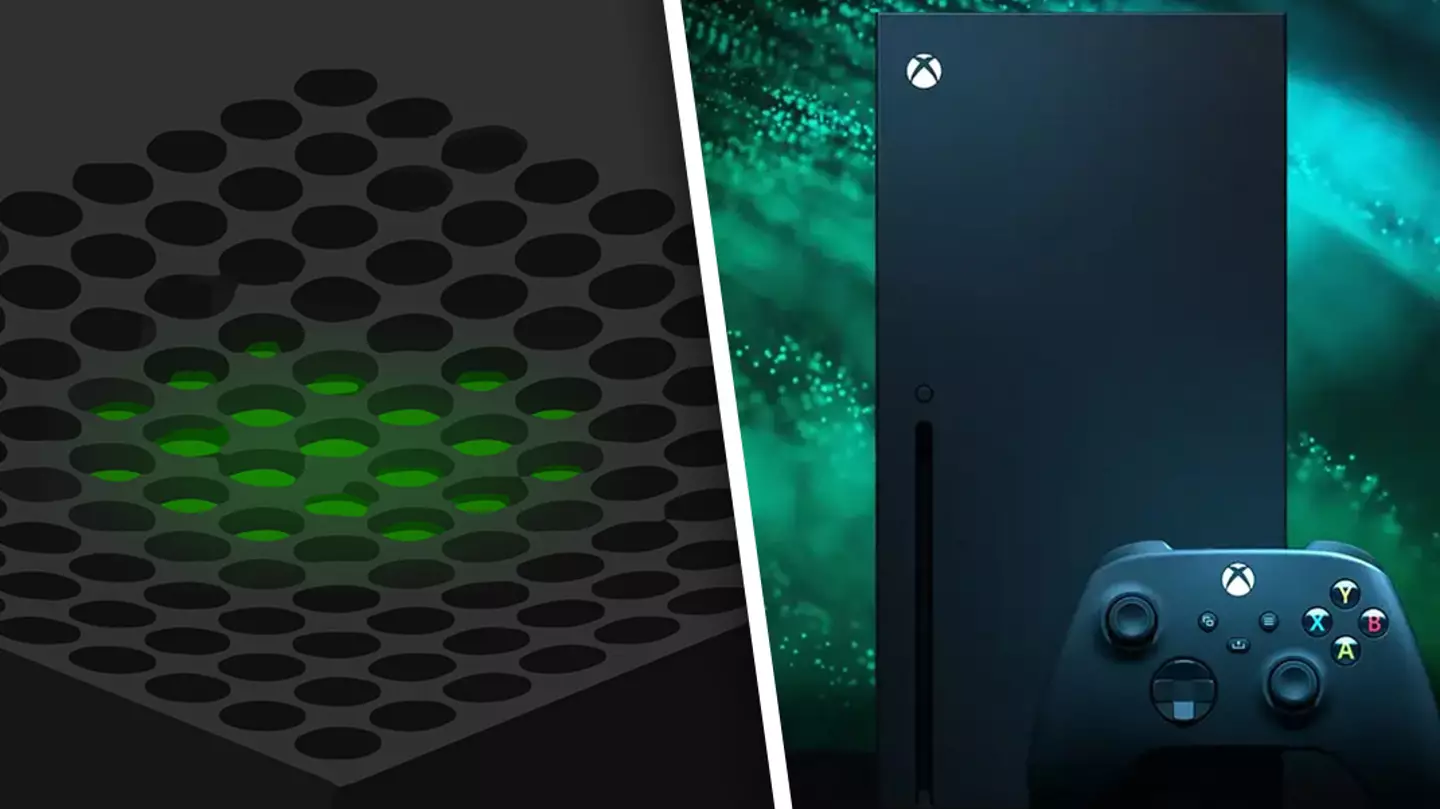
Well, a particularXboxSeries X/S feature has been brought to my attention and now that I’ve been enlightened, it’s my duty to pass this information on to you.
Xbox Series X/S consoles are hiding a very usefulPlayStation 5feature that allows you to mute your TV when using a headset.
ICYMI:Indiana Jones and the Great Circlelands on Xbox consoles and PC later this year. Take a look at the latest trailer below.
Anyone who’s used a headset on the PlayStation 5 will know that when you turn it on, the TV automatically mutes.
Advert
Advert
That’s not the case on Xbox, or so it seemed.
There, navigate down to ‘Volume and audio output’ and press ‘Additional options’.
Advert
Advert
You’re looking for the option that says ‘Mute speaker audio when headset attached’. Make sure the checkbox is ticked and you’re good to go.
It’s very simple to activate and now you can save yourself the hassle of having to manually adjust the TV’s volume.
Topics:Xbox,Xbox Series S,Xbox Series X,Microsoft
