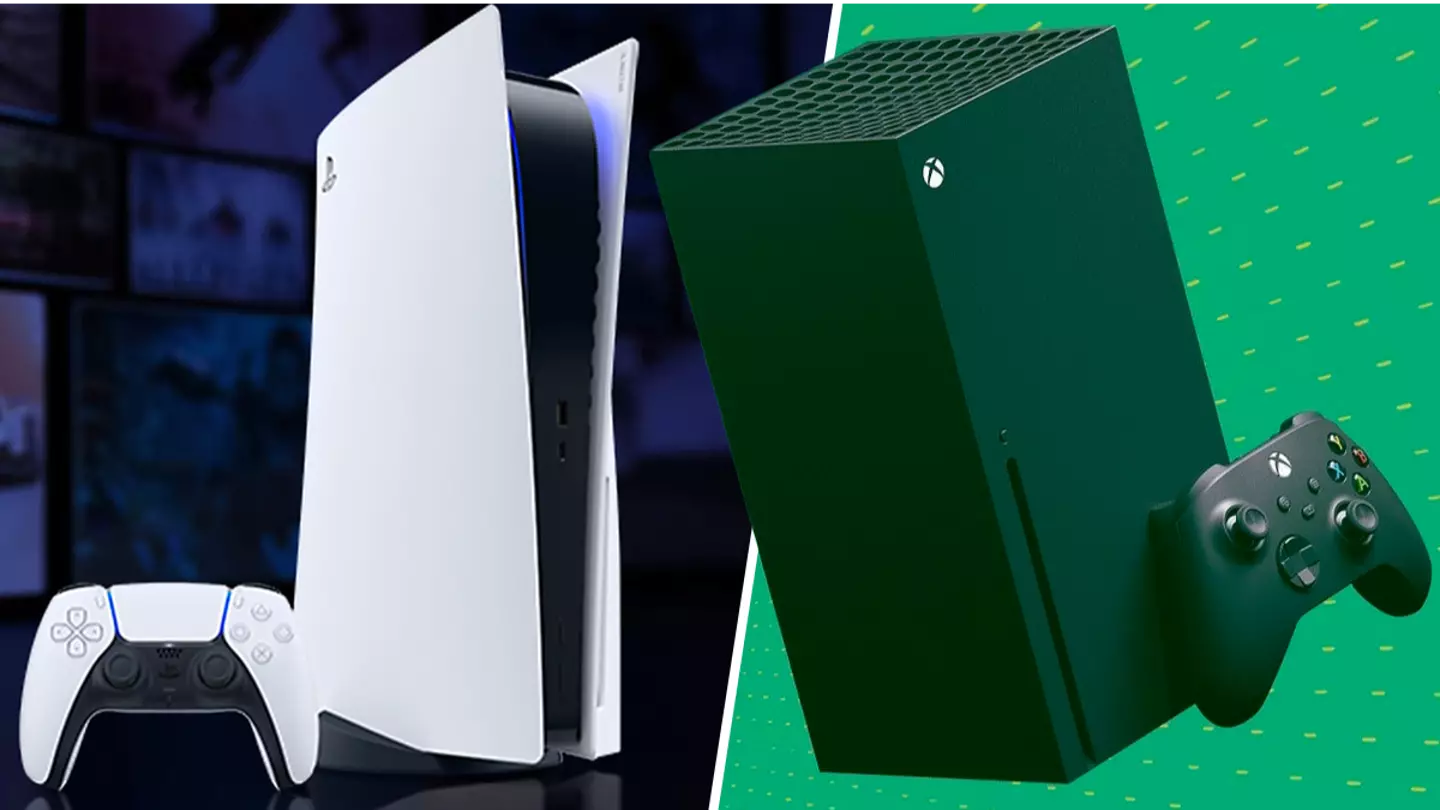
If you’re the owner of theXboxWireless Headset, you’ll likely be familiar with the task of finding your TV remote to turn down the volume when you switch your headset on, to avoid any background noise interference.PlayStationfans don’t have this problem, as if you connect thePS5Wireless Headset your console will automatically mute your TV without you having to mess around with any other settings.
The PlayStation 5 recently got some new earphones to enhance your audio experience, take a look below .
Advert
Advert
If you want to make life that little bit easier, all you have to do is open up the settings app. Once there, you scroll to the Volume and Audio Output option, then find Additional Options. You’ll then be greeted with the option to automatically mute your TV speakers when you switch on and connect your Xbox headset, hurrah.
Frankly, it’s bizarre that’s not an option in the Accessories part of the settings, as if you’re messing around with your headset options, it’d make more sense to have that feature there instead of the last place you’d look.
Nevertheless, it’s a great feature and one you definitely want to enable if you use wireless headsets often.
The only downside to the Xbox Wireless Headset is whenever you switch it on, it automatically turns on the Xbox console it’s connected to, which can be pretty annoying if you want to use it for something else, like a laptop or PC setup. Hopefully an update or fix can roll around to sort that out, or maybe there’s a setting for that buried somewhere in the console option menus as well.
Topics:Xbox,Xbox Series S,Xbox Series X,PlayStation,PlayStation 5
