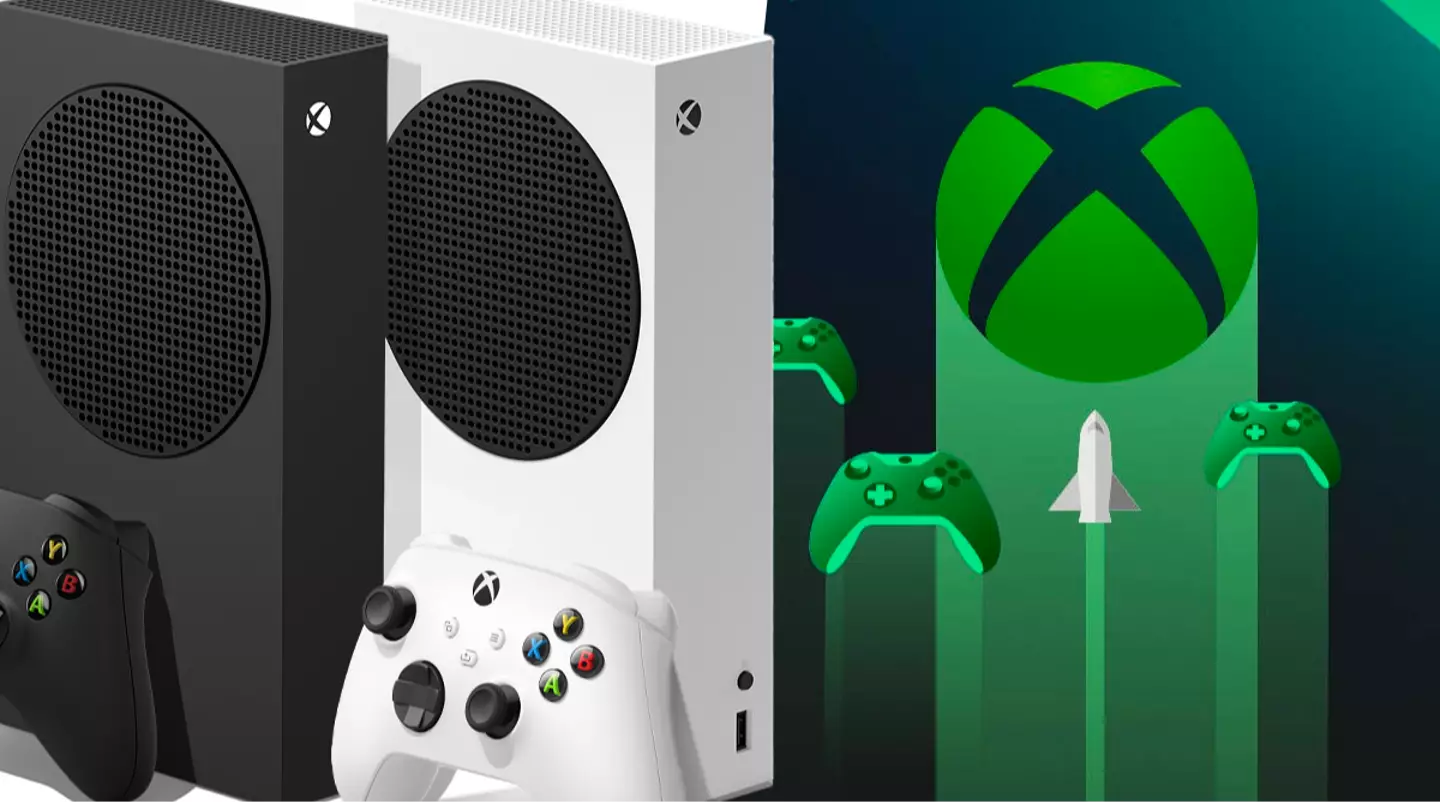
Are you being a dummy and using the wrong settings on your Xbox Series X and Series S? You might think you’re not, but we’d suggest you check just to make sure.
This isn’t a criticism of anyone’s capabilities, but rather a statement on how easy it is to use the incorrect settings simply because you’re overeager to play. We’re all guilty of jumping into a new game without optimising everything to get the best experience possible.
Have you seen theSand Landdemo trailer yet?
Advert
Advert
HDR, aka high dynamic range, is an important feature of yourXboxthat’ll gives the shadows of dark environments their depth rather than being a murky mess. Here’s the thing, though: even if you have the HDR settings on your Xbox set correctly, if those same settings are off on your monitor/TV, then you’re still faced with the same problem.
As a result, you need to check both sets of settings to ensure you get this right. Assuming you can alter your TV’s HDR settings, your next port of call is to check your Xbox options. Doing so couldn’t be simpler; go into the general settings tab of your profile, head to the TV and display tab, and then from there check the appropriate boxes to get that sweet HDR properly set up.
Now, go forth and enjoy your improved playthroughs, and praise the Lord for HDR.
Topics:Xbox,Xbox Series X,Xbox Series S,Microsoft
